
Star Trek: Outposts Unknown Linux Compatibility Guide
Explore Star Trek Outposts Unknown Linux support, Proton options, Steam Deck controls, and PC requirements before building your first research outpost.
Jump to
Does Star Trek: Outposts Unknown Support Linux?
Your next Starfleet assignment comes with an operating-system wrinkle: Star Trek Outposts Unknown Linux play currently means running the Windows version through Proton. That distinction matters before you buy, because native support, compatibility software, and comfortable controls are separate questions. Star Trek Outposts Unknown Linux compatibility has an encouraging start, with a Platinum rating across three Proton reports.
The game launched on October 20, 2026, for Windows through Steam. Magic Fuel Games and Playstack have announced Mac support for a future patch; Linux has no native release at launch.
Here is the platform picture:
| Platform or compatibility route | Current status |
|---|---|
| Windows | Released on Steam |
| Native Linux version | No native release |
| Linux through Proton | Platinum rating across three reports |
| Valve SteamOS/Linux review | Unknown |
| Valve Steam Deck review | Unknown |
| Mac | Support planned for a future patch |
For Linux players, the practical distinction is straightforward: you would be using the Windows game through a compatibility layer. The upcoming Mac patch is a separate platform update.
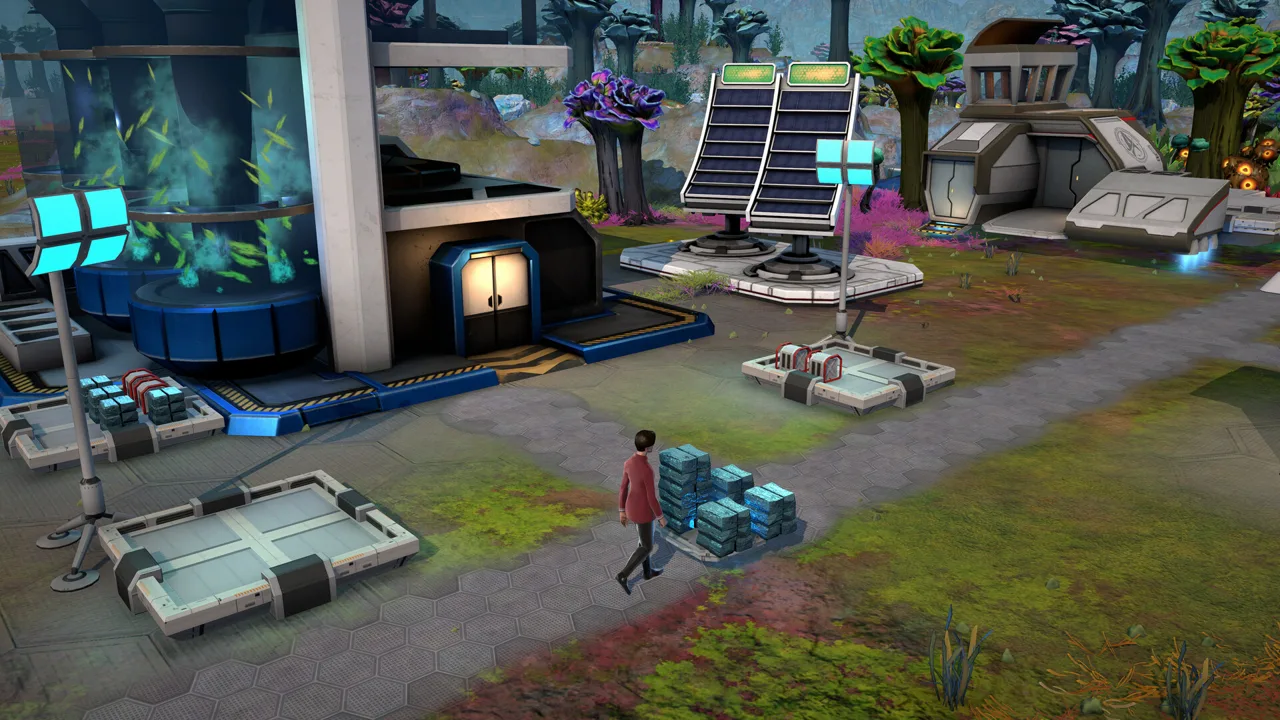
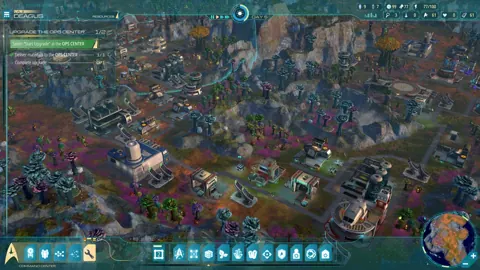
The game itself is a single-player strategy and simulation title built around scientific outposts, crew management, and interplanetary logistics. You command the U.S.S. Resonant while investigating the Tetryon Rift in the X’Lehari System, during the 23rd-century era associated with Star Trek: Strange New Worlds.
If that combination is your kind of Trek, check the Star Trek: Outposts Unknown Steam page before purchasing. Keep the Windows release and your Linux compatibility setup separate when deciding whether to jump in.
Proton Options and What the Early Results Mean
Star Trek Outposts Unknown Linux compatibility currently spans several Proton configurations. The early entries include Proton Experimental, Proton 10.0-3, and a custom CachyOS build.
 Image: Steam / Magic Fuel Games
| Proton configuration | Detail associated with the entry |
|---|---|
| Proton Experimental | Switching to Experimental appears as a tinkering step |
| Proton 10.0-3 | A demo entry includes this version |
| Custom Proton: CachyOS Latest | Appears with a Pop!_OS configuration |
Try Proton Experimental if you choose to test the Windows release on Linux. Keep track of which version you use so that later changes have a clear starting point.
The Platinum rating is promising, but its sample size is only three reports. Those entries also include demo experience, so the rating should not become a blanket promise about every stage of the full campaign.
Hardware context matters here. The detailed configurations include an NVIDIA GeForce RTX 4080 paired with an AMD Ryzen 9 7950X, and an RTX 4070 Ti paired with an Intel Core i7-8700K. Both configurations have roughly 32 GB of RAM. Those are substantial desktop systems, especially on the graphics side.
Use those details to frame your expectations:
- Separate demo results from full-release results when comparing compatibility.
- Match the reported GPU and driver environment to your own hardware.
- Record your Proton version before changing it.
- Check both interface interaction and sustained gameplay during your own trial.
Avoid turning a successful launch into your entire compatibility check. This is a logistics builder with crew assignments, production chains, and multiple facilities to manage. Spend time interacting with those systems before deciding that your setup is ready for a longer campaign.
For Star Trek Outposts Unknown Linux players, the useful takeaway is specific: Proton already has positive early results, with several configurations represented. Pick a documented starting point and evaluate the actual experience on your machine.
PC Requirements to Compare With Your Linux Hardware
The published requirements describe the Windows version. Use them as a hardware reference when assessing a Linux system, while keeping Proton compatibility as a separate consideration.
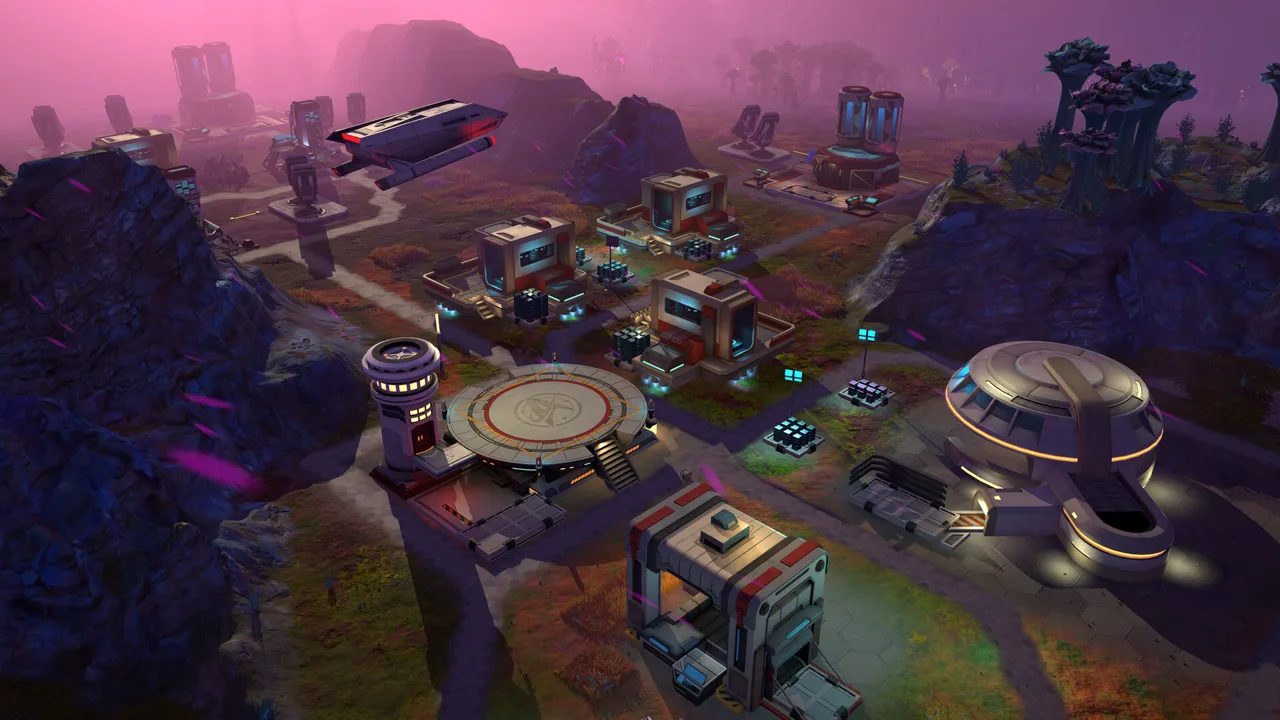 Image: Steam / Magic Fuel Games
| Component | Minimum | Recommended |
|---|---|---|
| Processor | AMD Ryzen 5 2600 or Intel Core i5-8500 | AMD Ryzen 7 7800X3D or Intel Core i5-14600K |
| Memory | 16 GB RAM | 16 GB RAM |
| Graphics | NVIDIA GTX 1660 or AMD Radeon RX 5600 XT | NVIDIA GeForce RTX 3060 or AMD Radeon RX 5700 XT |
| Storage | 10 GB available space | 10 GB available space |
| Architecture | 64-bit processor and operating system | 64-bit processor and operating system |
The minimum Windows operating system is Windows 10, version 21H1. Minimum hardware targets play at reduced visual fidelity.
The recommended CPU tier is a considerable jump from the minimum, while RAM stays at 16 GB. That distinction deserves attention in a game focused on complex logistics and simulation. Compare both your processor and graphics card instead of checking the GPU alone.
Keep the 10 GB storage requirement in view as well. It describes the game’s published space requirement; it is not a Linux-specific installation budget.
There is no need to invent a universal graphics preset for Star Trek Outposts Unknown Linux play. Start by comparing your machine with these requirements, then adjust visual fidelity around your own experience. A powerful desktop running Proton and a handheld running SteamOS are different hardware situations, even when both use Linux.
Prioritize a readable interface and reliable interaction while evaluating the game. You will spend plenty of time checking resource inputs, assigning officers, and inspecting buildings.
Steam Deck Compatibility and Controller Limitations
Steam Deck presents two separate questions: whether the game runs and whether you can comfortably control it.
 Image: Steam / Magic Fuel Games
Valve’s current Steam Deck compatibility status is Unknown. That is the review status, rather than a Verified or Playable classification.
At launch, controller interaction also has rough edges. Controller use can prevent selection of the opening quest indicator, and mouse interaction can remain affected after the controller interface takes over. That is a practical problem for a game built around selecting objectives, crew members, buildings, and detailed panels.
| Steam Deck consideration | Launch situation |
|---|---|
| Valve compatibility category | Unknown |
| Opening quest interaction | Controller use can block selection of the quest indicator |
| Switching input methods | Mouse selection can remain affected after controller interaction |
| Full controller support | Do not plan around a controller-only playthrough |
Check the opening objective immediately when evaluating handheld play. Make sure you can select it and continue interacting with the interface before investing time in your outpost.
Also check the controls you will use repeatedly: selecting crew, assigning work, inspecting production buildings, and responding to alerts. Those actions are central to the game’s management systems.
Keep desktop Proton results separate from Steam Deck expectations. The detailed Linux configurations include RTX 4080 and RTX 4070 Ti systems; those results do not provide a handheld frame-rate target or battery-life estimate.
For Star Trek Outposts Unknown Linux play on a desktop, mouse interaction fits the game’s detailed management tasks. On Steam Deck, give interface access the same attention as technical compatibility. Reaching the planet is only the beginning; you still need to issue orders once you get there.
What to Check During Your First Outpost Session
Once the game is running, use the actual outpost systems to evaluate whether the experience suits your setup. Star Trek Outposts Unknown Linux compatibility becomes useful when you can manage the mission comfortably.
Your responsibilities extend beyond placing research buildings. Facilities need resources and infrastructure, officers need support, and your ship eventually needs to travel while established outposts continue working.
| System | What your outpost needs |
|---|---|
| Production | Resource inputs, water, power, and compute |
| Crew support | Housing, food, medical facilities, and recreation |
| Research | Investigation, samples, and appropriate facilities |
| Environmental protection | Shielding against Tetryon radiation |
| Interplanetary operations | Resource transfers and outposts able to support their crews |
Follow the resource chain
At launch, the game includes 55 unique resources involved in gathering, refining, manufacturing, transport, and scientific work. Building upkeep also includes water, power, and compute, with pipes and conduits occupying space.
Inspect those requirements before expanding. Leave room for infrastructure when arranging production buildings, and check resource delivery when a facility is waiting to work.
Use the resource tooltips to identify where materials can be found or produced. They are especially useful when a new building introduces an unfamiliar input.
Support your crew before departing
Planetary housing, mess halls, medical facilities, and entertainment help outposts operate independently of the U.S.S. Resonant.
Check those facilities before sending the ship elsewhere. Food synthesizers require organic inputs, and fusion generators require deuterium. A completed building still needs its operating supplies.
Examine incoming crew competencies alongside the resources required to support additional personnel. More officers bring more capability, but your outpost must accommodate them.
Keep emergency commands accessible
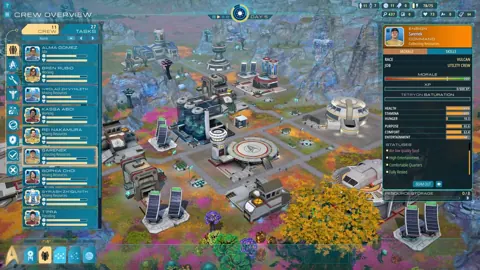
Crew roles include Engineering, Medical, Science, Security, Command, and Navigation. Direct field actions let engineers maintain buildings, medics treat injuries, and security officers respond to threats. These commands bypass the normal work queue.
Practice selecting the appropriate officer and issuing a direct order. That gives you a useful interface check while also preparing you for emergencies.
Shield Emitters protect against Tetryon radiation, but their construction requires rare processed materials. Choose expansion areas with shielding needs in mind.
Check operations beyond the starting planet
The X’Lehari System includes Daegus, Kourou, and Neral, with different environments and logistical demands. Kourou combines glaciers, volcanic terrain, and steam fields; Neral presents especially hostile conditions.
Build toward self-sufficient outposts and use transfers between planets to address local shortages. Keep storage, transport, and crew support connected to your research plans.
For a Star Trek Outposts Unknown Linux session, these systems provide a practical checklist: objective selection, crew commands, infrastructure inspection, resource management, and travel preparation. Judge the experience across those tasks before settling in for an extended mission.
FAQ
Is there a native Star Trek Outposts Unknown Linux version?
No. The October 20, 2026 release is for Windows through Steam. Linux play currently uses the Windows version through Proton. Mac support is planned for a future patch.
Which Proton versions have been used with the game?
Early entries include Proton Experimental, Proton 10.0-3, and Custom Proton: CachyOS Latest. The compatibility rating is Platinum across three reports, including demo experience.
Is Star Trek: Outposts Unknown Steam Deck Verified?
Valve’s current Steam Deck review status is Unknown. Controller interaction can also interfere with selecting the opening quest, so check objective selection before committing to handheld play.
How much RAM and storage does the game require?
The published Windows requirements call for 16 GB of RAM and 10 GB of available storage at both minimum and recommended levels. Minimum graphics include an NVIDIA GTX 1660 or AMD Radeon RX 5600 XT.
Continue with
 Star Trek Outposts Unknown Mac: Release and SupportStar Trek Outposts Unknown Mac support is coming after the Windows launch. Explore the release status, requirements, and what to watch for before you buy.
More in Platforms
Star Trek Outposts Unknown PS5: Release & Platform Guide
Looking for Star Trek Outposts Unknown PS5? Get the current platform status, PC release date, launch price, and gameplay details before you buy on Steam.

Star Trek Outposts Unknown Steam Deck: Can You Play?
Star Trek Outposts Unknown Steam Deck compatibility, controller tips, and launch requirements explained. Learn what to check before building your outpost.
Star Trek Outposts Unknown Switch 2: Release Status
Looking for Star Trek Outposts Unknown switch 2 news? Check current platform status, PC release date, Mac plans, and what to know before buying on Steam.
Star Trek Outposts Unknown Switch: Release Status Guide
Looking for Star Trek Outposts Unknown switch news? Get the launch platform details, Nintendo release status, PC requirements, and tips before you buy.
Join the community
Official channels for news, updates and player help: