
Star Trek Outposts Unknown Steam Deck: Can You Play?
Star Trek Outposts Unknown Steam Deck compatibility, controller tips, and launch requirements explained. Learn what to check before building your outpost.
Jump to
Can You Play Star Trek Outposts Unknown on Steam Deck?
Star Trek Outposts Unknown Steam Deck play is possible at launch, but controller usability deserves your attention before you settle in. The game runs on Valve’s handheld, while its official Steam Deck compatibility rating remains Unknown as of October 21, 2026. This Star Trek Outposts Unknown Steam Deck guide covers the checks that matter before a long session: selecting objectives, navigating menus, and keeping your growing research outpost manageable.
The game launched on October 20, 2026, putting you in command of the U.S.S. Resonant. Your assignment takes you into the X’Lehari System, where scientific research, resource transportation, and crew management support an original Star Trek story.
That combination makes handheld usability especially important. You’ll spend time selecting buildings, examining resources, reading dialogue, and assigning officers. Getting the game running is only part of the experience.
| Compatibility detail | Launch status |
|---|---|
| Valve Steam Deck rating | Unknown |
| Valve SteamOS/Linux rating | Unknown |
| Steam Deck operation | Launch feedback includes successful play |
| Native desktop platform | Windows |
| Steam Cloud | Supported |
| Full controller support | Controller operation has limitations at launch |
Unknown is a review status, not an Unsupported rating. It also gives you no guarantee that every interaction works comfortably with the built-in controls.
Launch feedback includes roughly two hours of Steam Deck play without obvious crashes, using an Xbox controller after some adjustment. Another launch experience encountered trouble selecting the opening objective with a controller. Those experiences make control testing a priority.
For Star Trek Outposts Unknown Steam Deck play, start by checking whether you can complete the opening interactions comfortably. A smooth-looking outpost won’t help much if you can’t select the next task.
Check Controller Navigation Before Building a Large Outpost
Outposts Unknown asks you to move between several kinds of interaction. You’ll select objects in the world, inspect officer information, browse construction options, and respond to messages. A control setup needs to handle all of those tasks.
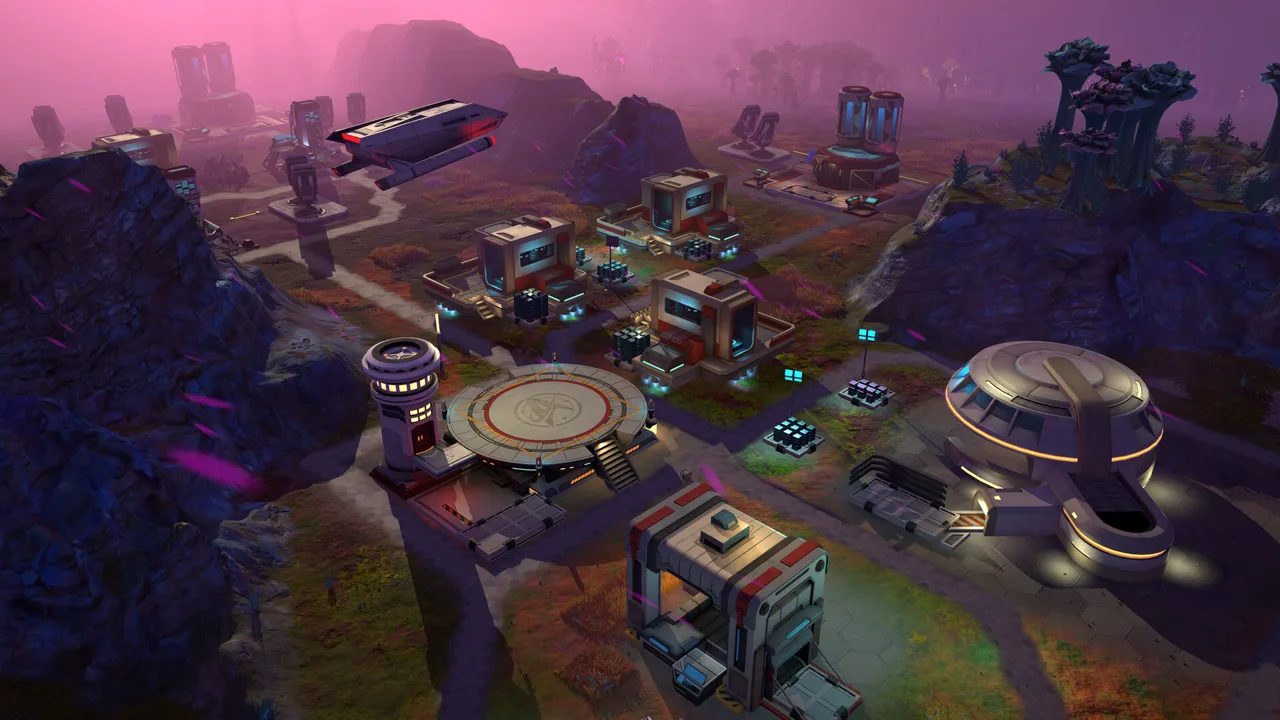 Image: Steam / Magic Fuel Games
At launch, controller feedback includes a specific obstacle: difficulty selecting the blinking objective in the upper corner during the opening quest. That experience also involved trouble switching back to mouse interaction after the controller interface took over.
Test objective selection early, while your settlement is still small. Keep mouse input available when checking an external controller setup, and verify that switching between input methods works before continuing.
Test the interactions you’ll use repeatedly
Work through these checks during the opening sequence:
- Select the active objective. Make sure you can open the highlighted task.
- Open and close dialogue. Check that messages leave you able to interact with the world afterward.
- Select a crew member. Inspect the information needed to assign work.
- Browse construction options. Check that you can choose a building and position it.
- Inspect a resource. Make sure tooltips and collection controls are accessible.
These are usability checks, rather than a promise that every controller layout handles them equally.
Mouse-style interaction deserves particular attention. The game’s prelaunch controls included keyboard camera movement, mouse selection, and mouse-based camera rotation. Its launch interface also uses hover tooltips to explain where resources can be found or produced.
For your Star Trek Outposts Unknown Steam Deck setup, prioritize accurate selection over fast cursor movement. Check small interface elements and closely spaced objects before choosing controls for a longer session.
Readability belongs in the same test. Examine dialogue, resource descriptions, and crew information at your normal handheld viewing distance. Pay attention to whether you can comfortably distinguish the information needed to make decisions.
Understand the PC Requirements Before Choosing Settings
Outposts Unknown combines construction with an ongoing logistics simulation. Buildings need utilities, crew members need support, and resources move through several stages before reaching their destination.
 Image: Steam / Magic Fuel Games
The launch minimum requirements call for a desktop processor, a dedicated graphics card, and 16 GB of RAM. They provide useful context, but they are not a Steam Deck performance benchmark.
| Component | Minimum PC requirement | Recommended PC requirement |
|---|---|---|
| Operating system | Windows 10 Version 21H1, 64-bit | 64-bit processor and operating system |
| Processor | AMD Ryzen 5 2600 or Intel Core i5-8500 | AMD Ryzen 7 7800X3D or Intel Core i5-14600K |
| Memory | 16 GB RAM | 16 GB RAM |
| Graphics | NVIDIA GTX 1660 6 GB or AMD Radeon RX 5600 XT 8 GB | NVIDIA GeForce RTX 3060 or AMD Radeon RX 5700 XT |
| Storage | 10 GB available space | 10 GB available space |
Use the GTX 1660 as the minimum NVIDIA reference for the launch version. Earlier prelaunch information named a different card.
The minimum specification targets play at reduced visual fidelity. The recommended processor requirement also rises substantially, which matters when considering a game built around crew behavior, production, and transportation.
For Star Trek Outposts Unknown Steam Deck performance checks, revisit your settings as the outpost develops. Inspect responsiveness while buildings are operating and crew members are moving resources, alongside checking the opening scene.
Avoid judging the entire experience by its visual style. Every laboratory, storage area, utility connection, and officer assignment contributes to the management task you’re trying to keep readable.
The game’s Windows release also matters for platform expectations. Mac support was planned for a later update at launch; a native Linux version was not part of that release.
Start With Conservative Settings and Practical Checks
Begin with reduced visual fidelity, then assess both the world view and the interface. The goal is to keep construction, camera movement, and menu selection comfortable throughout a session.
 Image: www.playstack.com
The following Star Trek Outposts Unknown Steam Deck settings table gives a starting approach. These are setup suggestions, rather than measured performance presets.
| Setting | Suggested value or approach |
|---|---|
| Visual quality | Start with reduced visual fidelity |
| Input approach | Prioritize accurate pointer selection and accessible menus |
Change one option at a time when adjusting visuals. Return to the same outpost view afterward so you can judge whether the change helped.
Keep interface readability part of that comparison. Resource descriptions explain production needs, while crew information helps you decide who should handle a task. Sacrificing those details for a cleaner-looking scene can make management harder.
Check more than construction
Run through a mix of everyday actions before committing to your setup:
- Move the camera around your working area.
- Select neighboring buildings without choosing the wrong one.
- Read a resource tooltip.
- Open crew information and return to the main view.
- Respond to an objective or incoming message.
The launch version includes detailed hover tooltips for its resources. Check that your chosen input method can access them consistently; they’re useful when a production chain stalls because you need to find or produce a particular material.
Steam Cloud support also makes the game relevant to players who use both a desktop and a handheld. Let synchronization finish before changing devices, and check the displayed cloud status when returning to your game.
Keep separate expectations for an external Xbox controller and the Deck’s built-in controls. Successful play with one arrangement doesn’t tell you how comfortable your preferred arrangement will feel.
Make Outpost Management Easier on a Handheld
The management systems give you several ways to reduce unnecessary searching through a busy settlement. Put those tools to work as your outpost expands.
Your mission involves supporting scientific facilities across alien worlds while investigating the Tetryon threat. Resources must be researched, gathered, processed, transported, and consumed. Buildings also require water, power, and computing capacity.
Plan those connections alongside building placement. Pipes and conduits occupy space, so leave room for infrastructure when arranging laboratories and production facilities.
| Management system | Practical handheld tip |
|---|---|
| Resource tooltips | Inspect a material when you need to locate or produce it |
| Filters and management screens | Use them to review resources and logistics |
| Direct crew actions | Select the relevant specialist during an emergency |
| Day and night shifts | Review who works each shift as staffing changes |
| Utilities | Check water, power, and computing needs when placing buildings |
Use specialists when trouble interrupts production
Engineers can perform maintenance, medical officers can treat injured crew, and security personnel can respond to threats. Direct actions bypass the normal work queue.
Send the appropriate specialist when an emergency needs immediate attention. Keep longer construction and production plans separate from the urgent problem you’re trying to solve.
That distinction is useful on a handheld, where repeatedly searching for the right officer can interrupt your view of the wider outpost. Check officer roles before assigning a response.
Review shifts and local support
The full game includes night shifts, giving you control over which crew members work during the day and after dark. Crew quarters, mess halls, medical facilities, and entertainment options also support more self-sufficient outposts.
Review staffing across both shifts rather than assigning every useful specialist to the same period. Match assignments to the work your settlement needs to maintain.
Keep those facilities in mind as operations spread beyond the initial landing area. The U.S.S. Resonant supports planetary operations, while self-sufficient outposts allow research to continue when the ship travels elsewhere.
Plan around environmental protection
Tetryon radiation adds another layer to expansion. Shield Emitters protect areas but require rare materials, making their placement a resource decision as well as a construction decision.
Choose which areas to protect before extending your settlement into hazardous territory. Consider utility routes, working buildings, and crew activity together.
Your Star Trek Outposts Unknown Steam Deck experience will involve all of these systems, so keep checking whether your controls remain comfortable as the settlement becomes busier. Accurate selection and readable information matter throughout the campaign.
You can view Star Trek: Outposts Unknown on Steam to buy the game and check its current compatibility status before starting your mission.
FAQ
Is Star Trek Outposts Unknown Steam Deck Verified?
As of October 21, 2026, its Valve Steam Deck compatibility rating is Unknown. Launch feedback includes successful Steam Deck play, but the game does not have the green Verified check at that date.
Does Star Trek: Outposts Unknown support controllers?
Controllers can perform some interactions at launch, and successful play includes an Xbox controller setup. Launch feedback also includes difficulty selecting the opening objective. Test objective selection, dialogue, and construction before settling into a long session.
What settings should I start with on Steam Deck?
Start with reduced visual fidelity and prioritize accurate pointer control. Check camera movement, building selection, resource tooltips, and text readability, then adjust one visual option at a time.
Does Star Trek: Outposts Unknown support Steam Cloud?
Yes. Steam Cloud is supported. Let synchronization finish before switching between your desktop and Steam Deck, and check the cloud status before continuing on the other device.
Continue with
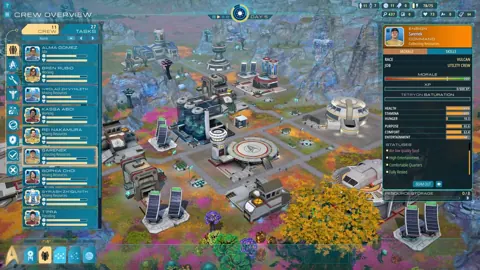 Star Trek Outposts Unknown Switch 2: Release StatusLooking for Star Trek Outposts Unknown switch 2 news? Check current platform status, PC release date, Mac plans, and what to know before buying on Steam.
More in Platforms
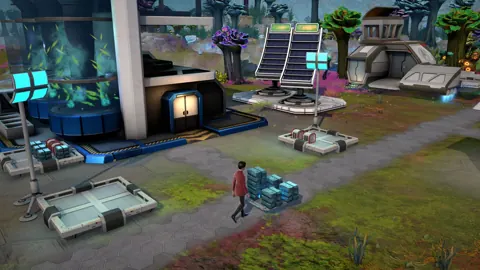
Star Trek: Outposts Unknown Linux Compatibility Guide
Explore Star Trek Outposts Unknown Linux support, Proton options, Steam Deck controls, and PC requirements before building your first research outpost.

Star Trek Outposts Unknown Mac: Release and Support
Star Trek Outposts Unknown Mac support is coming after the Windows launch. Explore the release status, requirements, and what to watch for before you buy.
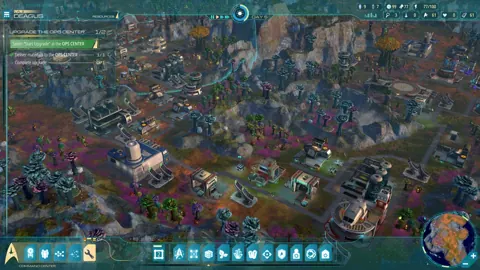
Star Trek Outposts Unknown PS5: Release & Platform Guide
Looking for Star Trek Outposts Unknown PS5? Get the current platform status, PC release date, launch price, and gameplay details before you buy on Steam.
Star Trek Outposts Unknown Switch: Release Status Guide
Looking for Star Trek Outposts Unknown switch news? Get the launch platform details, Nintendo release status, PC requirements, and tips before you buy.
Join the community
Official channels for news, updates and player help: