
Star Trek Outposts Unknown System Requirements: PC Guide
Check Star Trek Outposts Unknown system requirements, including minimum and recommended PC specs, RAM, storage, and Mac support before you start building.
Jump to
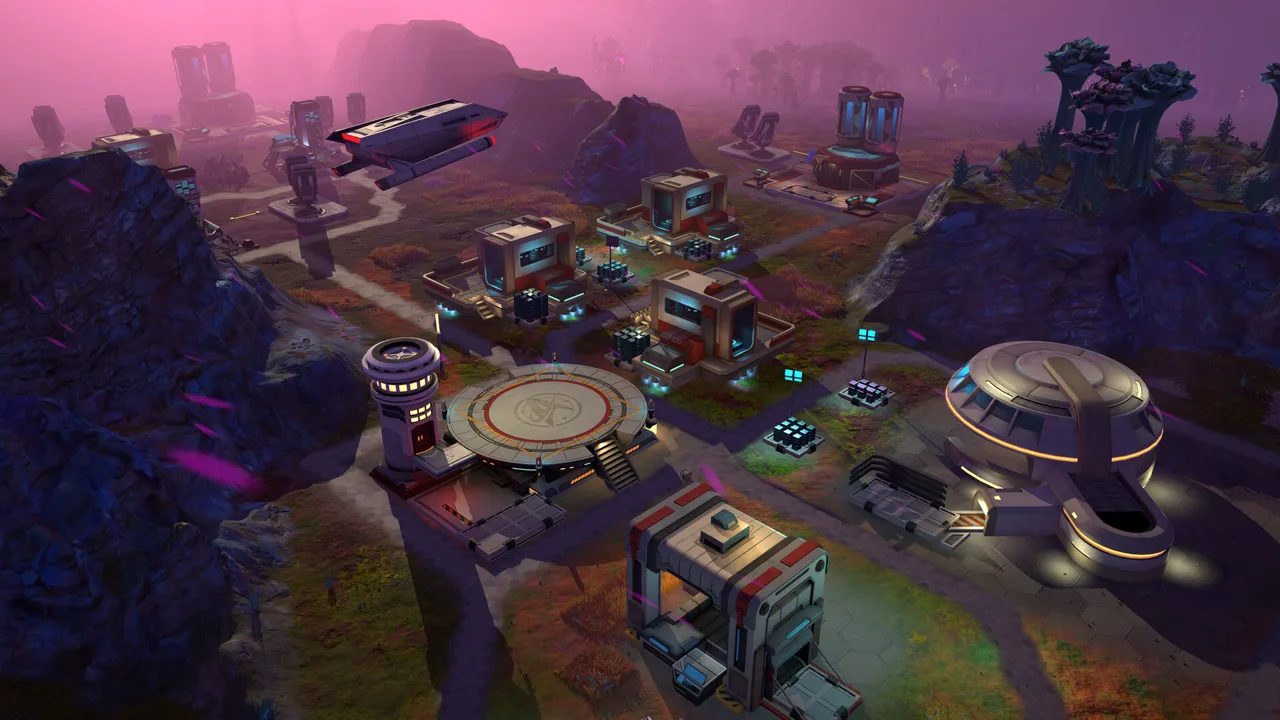
What Does Your PC Need to Run the Game?
Your next Starfleet assignment starts with checking the Star Trek Outposts Unknown system requirements against your PC. You need 16 GB of RAM, 10 GB of available storage, and a 64-bit system, alongside the required processor and graphics card. Comparing the Star Trek Outposts Unknown system requirements before buying helps you decide whether your computer meets the minimum hardware tier or reaches the recommended configuration.
Star Trek: Outposts Unknown launched for Windows through Steam on October 20, 2026. Developed by Magic Fuel Games and published by Playstack, it puts you in command of the U.S.S. Resonant, supporting research outposts across the X’Lehari System.
Here is the minimum PC configuration:
| Component | Minimum requirement |
|---|---|
| Operating system | Windows 10, version 21H1 |
| System architecture | 64-bit processor and operating system |
| Processor | AMD Ryzen 5 2600 or Intel Core i5-8500 |
| Memory | 16 GB RAM |
| Graphics | NVIDIA GTX 1660 or AMD Radeon RX 5600 XT |
| Storage | 10 GB available space |
The minimum configuration is intended for playing at reduced visual fidelity. Keep that distinction in mind if your machine sits close to these specifications: meeting the entry requirements and matching the recommended experience are different hardware goals.
Check every component before making your decision. A computer with enough memory still needs a suitable CPU and GPU, while a capable graphics card does not remove the 16 GB RAM requirement.
Start with a straightforward comparison: write down your processor, graphics card, installed memory, operating system, and free drive space. Match those details against the Star Trek Outposts Unknown system requirements one component at a time.
Recommended PC Specs for Star Trek: Outposts Unknown
The recommended Star Trek Outposts Unknown system requirements pair a substantially newer processor with an RTX 3060 or Radeon RX 5700 XT. Memory and storage remain unchanged at 16 GB RAM and 10 GB of available space.
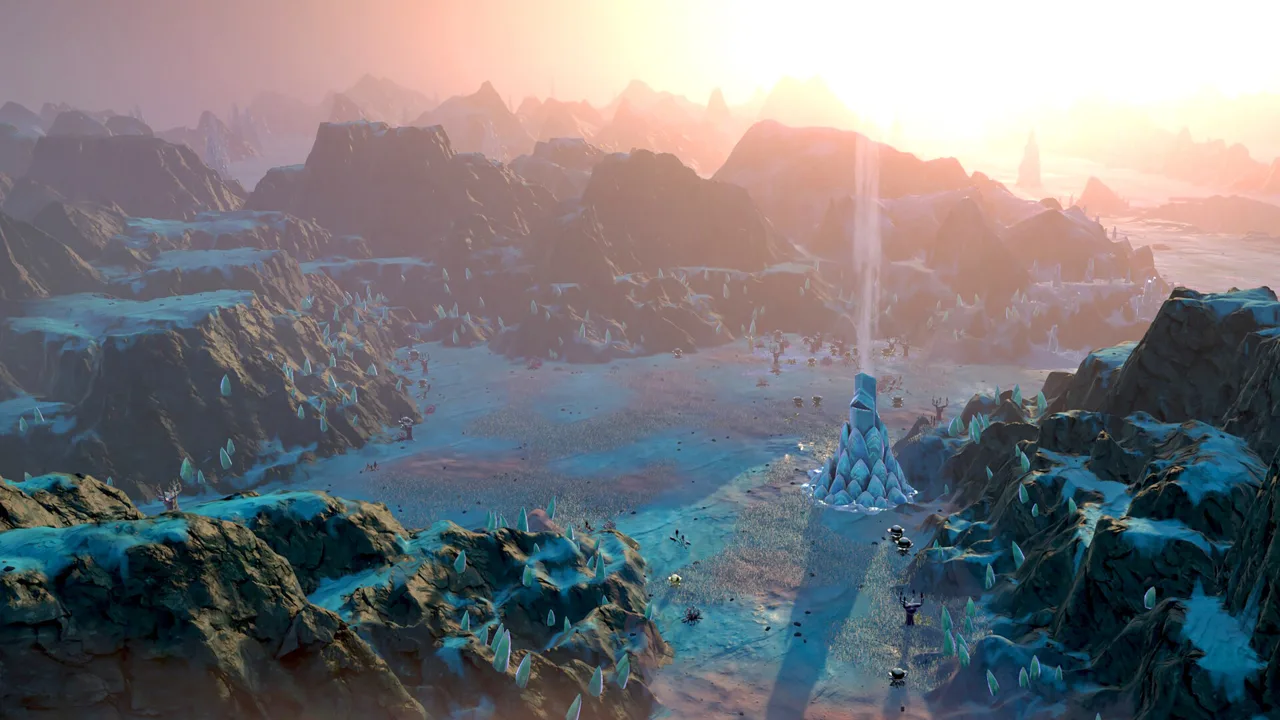 Image: Steam / Magic Fuel Games
| Component | Recommended requirement |
|---|---|
| System architecture | 64-bit processor and operating system |
| Processor | AMD Ryzen 7 7800X3D or Intel Core i5-14600K |
| Memory | 16 GB RAM |
| Graphics | NVIDIA GeForce RTX 3060 or AMD Radeon RX 5700 XT |
| Storage | 10 GB available space |
This configuration is aimed at enjoying the game without reducing its visual presentation to accommodate minimum-spec hardware. Use it as your comparison point if preserving the game’s appearance matters to you.
The processor difference deserves particular attention. The minimum AMD option is a Ryzen 5 2600, while the recommended AMD option is a Ryzen 7 7800X3D. On Intel hardware, the comparison moves from a Core i5-8500 to a Core i5-14600K.
Compare complete model names. “Ryzen” and “Core i5” identify broad processor families; the numbers distinguish the specific chips you need to evaluate.
Apply the same care to graphics cards. Check the full GPU model against the minimum and recommended options, especially when reviewing a computer advertised only as a “gaming PC.”
For an existing desktop, identify which components match each tier before considering an upgrade. For a new purchase, compare the entire configuration with the recommended table. Keep the CPU, graphics card, and memory together in that comparison so one appealing specification does not distract from the rest.
Understanding the CPU, RAM, Graphics, and Storage Requirements
The Star Trek Outposts Unknown system requirements cover a game built around connected systems: crew assignments, manufacturing, research, resource transport, and planetary infrastructure. Understanding those activities gives the hardware tables some useful context without turning them into a performance prediction.
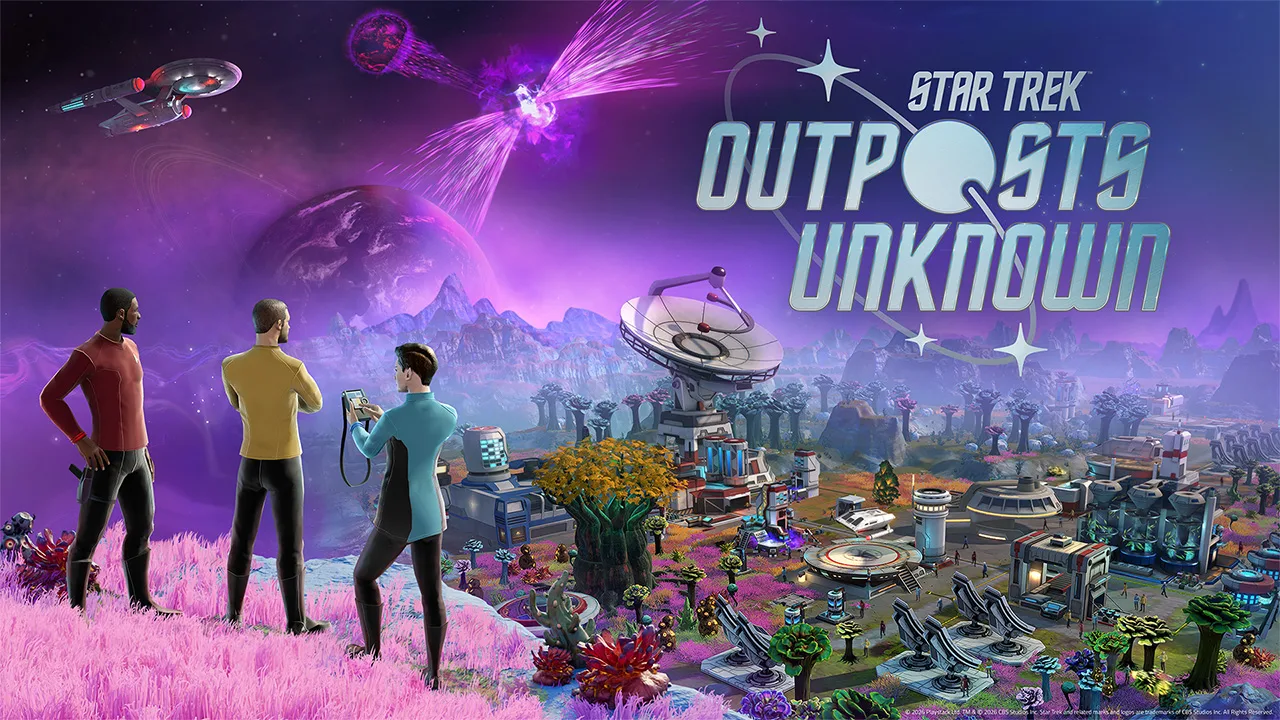 Image: www.playstack.com
Processor: pay attention to the full model
Your expedition involves more than placing buildings. Research outposts need working production chains, supplied facilities, and personnel assigned to the right responsibilities.
The game includes 55 distinct resources to research, collect, refine, combine, transport, and use. Outposts also need water, power, and computing capacity, with infrastructure occupying space in your layout.
That makes the processor worth checking carefully when evaluating a machine for this logistics builder. Use the named minimum and recommended CPUs as your reference points.
Keep the game’s terminology straight, too: computing capacity is an outpost resource you manage during play. Your PC processor is a separate hardware requirement.
Memory: 16 GB across both tiers
Both configurations call for 16 GB RAM. The recommended specification does not increase that figure.
Check your computer’s installed system memory separately from your graphics card’s memory. These are different specifications, and the RAM requirement refers to system memory.
If you already have 16 GB, continue through the rest of the hardware comparison. Matching the memory requirement answers one part of the compatibility question.
Graphics: match the card before judging the visuals
The minimum GPU choices are the GTX 1660 and Radeon RX 5600 XT. The recommended choices are the RTX 3060 and Radeon RX 5700 XT.
You will be managing outposts across environments that include Daegus’s vegetation and crystal formations, Kourou’s frozen and volcanic terrain, and the hostile landscapes of Neral. The minimum hardware tier accommodates reduced visual fidelity.
Use the recommended graphics options as your comparison point when prioritizing the game’s appearance. Avoid assuming that the colorful presentation makes the GPU requirement irrelevant.
Storage: check available space
Both hardware tiers require 10 GB of available storage.
Check the free space on the drive where you intend to install the game. A drive’s total capacity does not tell you how much room remains for installation.
Storage is also independent of the other requirements. Having plenty of free space does not compensate for insufficient RAM or an unsuitable graphics card.
Windows Availability, Mac Support, and Linux
Platform choice matters as much as the Star Trek Outposts Unknown system requirements. At launch, the game is available on Windows through Steam, with Mac support planned for a future update.
| Platform | Launch status |
|---|---|
| Windows | Available through Steam |
| macOS | Support planned for a future update |
| Linux | No native version available |
For Windows players, the minimum operating system requirement is Windows 10, version 21H1, alongside a 64-bit processor and operating system.
For Mac players, keep the launch timing in mind. Mac support follows the Windows release through a future patch. Wait for that version before making a purchase specifically for native Mac play.
Linux also lacks a native version at launch. Keep native platform availability separate from Windows hardware comparisons when deciding where to play.
Star Trek: Outposts Unknown is a single-player game with Steam Achievements, Steam Cloud, and Family Sharing. Its story follows a scientific expedition facing the Tetryon Rift, with your ship supporting facilities that must eventually operate while the Resonant travels elsewhere.
When you are ready to purchase, visit the Star Trek: Outposts Unknown Steam page and check the platform you intend to use.
Your Hardware and First-Outpost Checklist
Turn the Star Trek Outposts Unknown system requirements into a short purchase checklist before moving on to the captain’s chair.
- Compare the exact CPU model. Check the full processor name against both hardware tiers.
- Check system RAM. Both minimum and recommended configurations require 16 GB.
- Identify the graphics card. Compare its complete model name with the GPU options.
- Check free storage. Make sure the intended installation drive has 10 GB available.
- Check Windows and system architecture. The minimum configuration requires Windows 10, version 21H1, and a 64-bit system.
- Match the platform to the release. Windows is available now; Mac support follows later.
Once your hardware comparison is complete, carry that same attention to dependencies into your first outpost. The game’s logistical challenges revolve around making sure every facility receives what it needs.
Supply the facilities that support your crew
Mess halls need food proteins to produce meals. Production buildings depend on resources and infrastructure, including water, energy, and computing capacity.
Check those inputs before expanding. Keep storage ready for incoming materials, and trace shortages through the facilities that use them.
Build your crew’s living support alongside your research operations. Housing, medical facilities, and dining facilities all contribute to sustaining an outpost after your ship departs.
Prepare an outpost before moving the Resonant
Your ship supports planetary operations until an outpost becomes self-sufficient. Resource transfers between planets help cover local shortages, while passing ships bring additional personnel and materials.
Inspect supplies before leaving for another destination. Check the facilities that keep crew housed, fed, and treated, then address missing inputs before committing your ship elsewhere.
Additional personnel also need support. Review incoming officers’ specialties and account for the resources required to sustain a larger crew.
Plan around planetary hazards
Kourou combines glaciers, volcanic badlands, and steam fields. Its extreme cold creates an immediate need for protective facilities, while Tetryon radiation interferes with transport technology.
Establish landing pads so crew can return to the Resonant. Plan protected expansion around shield coverage, and account for the rare materials required to build shield emitters.
These preparations are central to the outpost-building loop: explore, supply, protect, and expand. Get your PC comparison settled first, then focus on keeping that network running across the X’Lehari System.
FAQ
What are the minimum Star Trek Outposts Unknown system requirements?
You need a 64-bit processor and operating system, Windows 10 version 21H1, an AMD Ryzen 5 2600 or Intel Core i5-8500, 16 GB RAM, and an NVIDIA GTX 1660 or AMD Radeon RX 5600 XT. Installation requires 10 GB of available space. The minimum configuration targets reduced visual fidelity.
How much RAM and storage does the game need?
Both minimum and recommended configurations require 16 GB RAM and 10 GB of available storage. Check system memory and free installation space separately when comparing your computer.
What processor and graphics card are recommended?
The recommended processors are the AMD Ryzen 7 7800X3D and Intel Core i5-14600K. Recommended graphics cards are the NVIDIA GeForce RTX 3060 and AMD Radeon RX 5700 XT.
Can you play Star Trek: Outposts Unknown on Mac?
Mac support is planned for a future update following the Windows launch. At launch, Windows is the available native platform through Steam.
Continue with
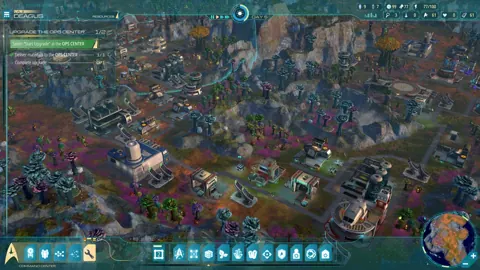 Star Trek Outposts Unknown Xbox: Release Date & StatusGet the Star Trek Outposts Unknown Xbox release status, Game Pass news, PC launch details, and practical tips before choosing where to build your outposts.
More in Platforms
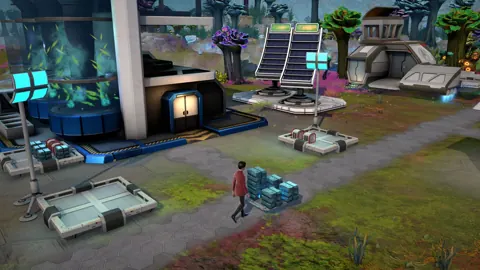
Star Trek: Outposts Unknown Linux Compatibility Guide
Explore Star Trek Outposts Unknown Linux support, Proton options, Steam Deck controls, and PC requirements before building your first research outpost.

Star Trek Outposts Unknown Mac: Release and Support
Star Trek Outposts Unknown Mac support is coming after the Windows launch. Explore the release status, requirements, and what to watch for before you buy.
Star Trek Outposts Unknown PS5: Release & Platform Guide
Looking for Star Trek Outposts Unknown PS5? Get the current platform status, PC release date, launch price, and gameplay details before you buy on Steam.

Star Trek Outposts Unknown Steam Deck: Can You Play?
Star Trek Outposts Unknown Steam Deck compatibility, controller tips, and launch requirements explained. Learn what to check before building your outpost.
Join the community
Official channels for news, updates and player help: