
Star Trek Outposts Unknown Demo: Content & PC Guide
Explore the Star Trek Outposts Unknown demo, its three-hour opening, crew roles, resource tips, and PC requirements before starting your Starfleet mission.
Jump to
What Is the Star Trek Outposts Unknown Demo?
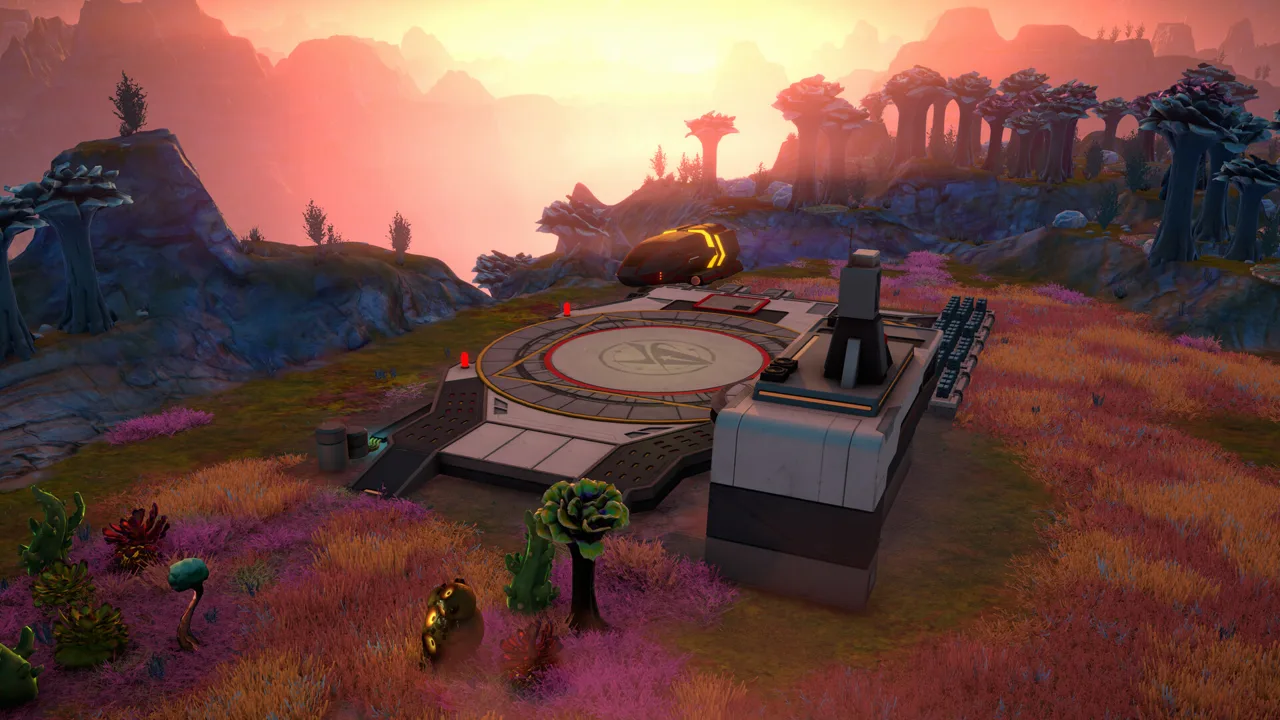
The Star Trek Outposts Unknown demo puts you in charge of a research outpost where scientific discovery depends on keeping your crew alive. Its opening matters because construction, supply chains, and dangerous planetary conditions all compete for your attention. The Star Trek Outposts Unknown demo introduced three hours of narrative gameplay aboard the U.S.S. Resonant and on the planet Daegus.
That playable introduction arrived before the full game, which launched on October 20, 2026. Developed by Magic Fuel Games and published by Playstack, Star Trek: Outposts Unknown combines an original Star Trek story with outpost construction and crew management.
| Detail | What to know |
|---|---|
| Original demo scope | Three hours of narrative gameplay |
| Starting ship | U.S.S. Resonant |
| Featured planet | Daegus |
| Setting | The 23rd century, alongside the era of Star Trek: Strange New Worlds |
| Full game release | October 20, 2026 |
| Announced launch price | $32.99 USD |
| Launch platform | Windows PC through Steam |
For downloads, open the Star Trek: Outposts Unknown Steam page. Check for a dedicated demo download option before selecting the paid game. The earlier “Demo Available” announcement belongs to the prelaunch period; the full release is now available.
The distinction matters when deciding what to play. The demo introduced the opening mission, while the full game expands the journey across the X’Lehari System. Keep those versions separate when comparing features, pacing, and planetary exploration.
What You Do During the Demo
The Star Trek Outposts Unknown demo begins with the practical side of exploration: establish a foothold, organize your crew, and develop the infrastructure needed to investigate a dangerous cosmic force.
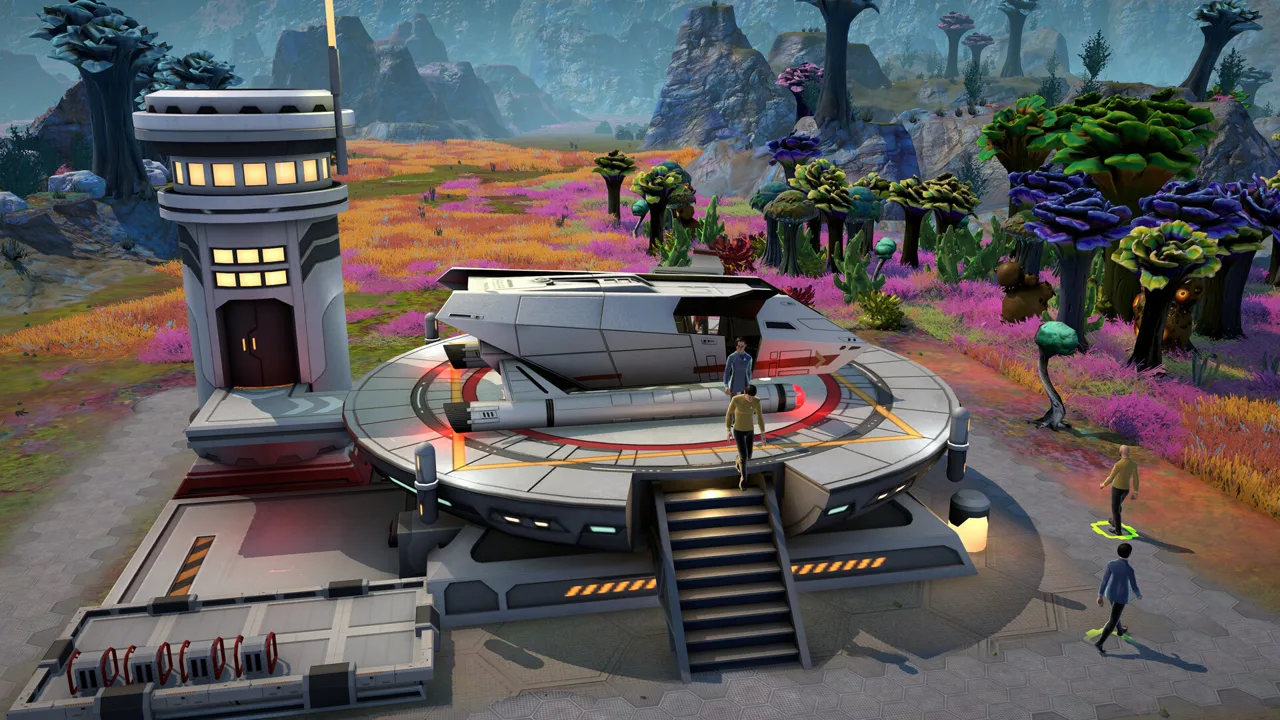 Image: Steam / Magic Fuel Games
Daegus provides the opening setting. Its lush environment introduces resource collection, production chains, scientific development, and the planning needed to turn separate buildings into a functioning operation.
Your mission has a larger purpose than expanding the base. The X’Lehari System faces a cosmic threat, and your research supports the effort to understand it and help a vulnerable civilization.
Build around scientific progress
Scientific work uses resources that must be harvested, refined, combined, and transported. Plan construction around those production chains, and account for the water, power, and compute your buildings require.
Keep the immediate objective in view when choosing your next construction project. Build toward the materials or scientific work it requires, and check existing production before adding another structure.
The opening also introduces crew selection across six Starfleet roles:
- Command
- Engineering
- Medical
- Navigation
- Science
- Security
Use those specialties deliberately. In the updated demo, Science officers investigate rocks faster than other crew members. Assign one to that work when an investigation is holding up your next objective.
Expect interruptions to your building plans
The Star Trek Outposts Unknown demo also introduces environmental pressure. Tetryon radiation can harm crew members and buildings, making protection and repairs part of outpost management.
Shield coverage matters because protection applies within its range. Check where your people will actually work before expanding into an exposed area. Keep medical support in mind alongside production, especially when the next investigation takes crew away from the developed outpost.
Avoid treating every interruption as a reason to build more. Inspect the immediate problem first: an injured crew member, an exposed work site, or a facility missing power calls for a different response.
Practical Tips for Your First Outpost
The opening becomes easier to manage when you follow each task through its dependencies. A building placement is only the start; the crew still needs to construct it, supply it, and connect the services it uses.
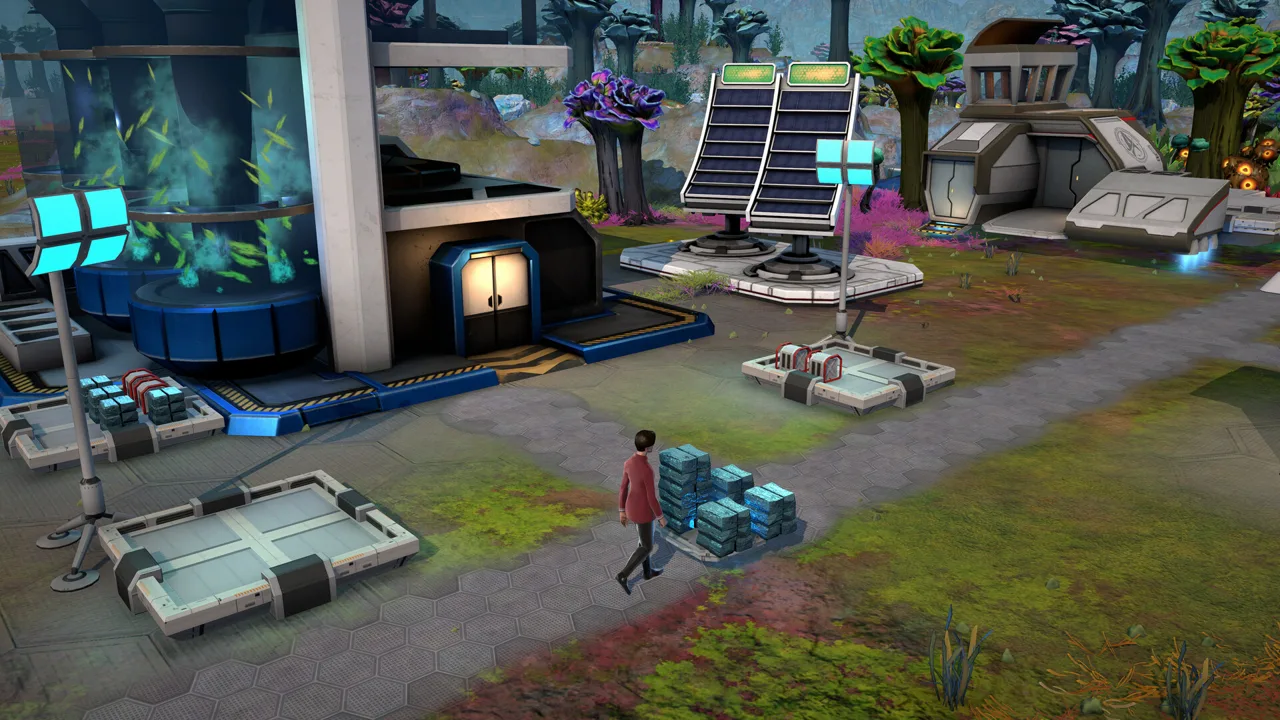 Image: Steam / Magic Fuel Games
Find the actual bottleneck
Before expanding, check the resource or service stopping your current objective.
| System | Mechanic to account for | Action to take |
|---|---|---|
| Metal collection | Assigned crew collect metal faster at the Metal Collector in the updated demo | Assign workers when metal is delaying construction |
| Rock investigation | Science officers investigate rocks faster | Use a Science officer for investigation tasks |
| Resupplies | The demo update increased delivery frequency while reducing resources per delivery | Review incoming supplies before committing materials |
| Power | Facilities need working power connections | Check both generation and wiring when a building lacks power |
| Radiation protection | Shields protect structures and crew within range | Check coverage before expanding work areas |
| Opening exploration | The updated objective requires finding one of three beacons | Find one beacon to complete that objective |
Metal deserves particular attention early on because construction and manufacturing compete for materials. Keep collection moving while reviewing the next building’s requirements.
When a facility stops working, inspect its inputs before placing a duplicate. A power shortage or missing material can leave additional buildings facing exactly the same problem.
Finish the opening exploration objective efficiently
In the updated Star Trek Outposts Unknown demo, you only need to locate one of the three starting beacons to complete the opening exploration objective.
Find one, complete that objective, and return your attention to the next mission requirement. Explore additional areas as your staffing and protection allow.
The updated opening camera also points toward a metal-rich area. Inspect that direction early instead of sending everyone on a long search while construction waits.
Match new crew to the work waiting for them
Faster resupplies in the demo update let you add crew more quickly. Review your current assignments before choosing another officer.
Check whether the next task needs scientific investigation, construction work, medical attention, or security. Select around that need, then account for the supplies and accommodations additional personnel require.
In the full game, periodic arrivals bring crew and resources through passing ships. Examine each newcomer’s competencies before assigning them to an outpost.
Plan utility space alongside buildings
The full game’s research infrastructure uses water, power, and compute, with pipes and conduits occupying space. Leave room for those connections while arranging production facilities.
Trace the complete production chain before adding capacity:
- Identify the resource the facility consumes.
- Check where that resource is collected or manufactured.
- Inspect storage and transport.
- Check the utility connections.
- Assign the crew needed to keep the work moving.
Use the same habit when reviewing food production. Food synthesizers require organic inputs, and a planetary mess hall needs food proteins to produce meals. Check that supply before relying on it to support a surface crew.
How the Demo Changed Before Release
The Star Trek Outposts Unknown demo received a pacing and bug-fixing update. Several early tasks became quicker, and issues involving resource placement and notifications were addressed.
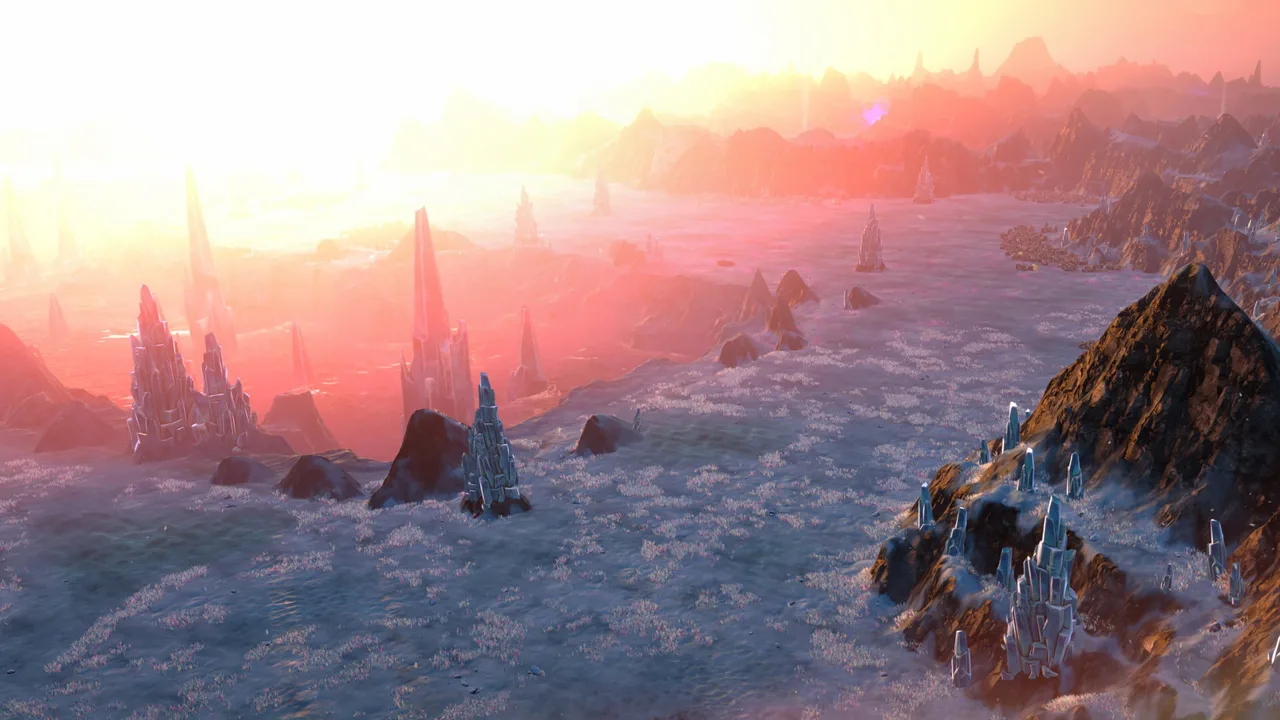 Image: Steam / Magic Fuel Games
These changes matter if you remember a slower opening or are returning after playing an earlier build.
| Area | Demo update |
|---|---|
| Resupplies | More frequent arrivals with fewer resources in each delivery |
| Early construction | Lower costs and shorter building times |
| Investigation | Easier rock investigations, with faster work by Science officers |
| Metal collection | Faster gathering by crew assigned to the Metal Collector |
| Opening objective | Find one of the three starting beacons to complete the exploration objective |
| Resource crates | Fixed placement in unreachable locations |
| Notifications | Fixed problems with appearance and camera movement |
The full release also developed beyond that early demonstration. Crew scheduling, planetary support facilities, transport, and direct commands all received attention during development.
Night shifts give you control over which crew work during the day or at night. Planetary quarters, mess halls, medical facilities, and entertainment options support outposts that can continue operating while the U.S.S. Resonant travels elsewhere.
Direct field actions provide another important distinction. Engineers can maintain buildings, Medics can treat injuries, and Security can respond to threats through commands that bypass the normal work queue. Use those actions when an emergency needs attention while longer construction and production tasks remain scheduled.
Ground and air vehicles also expand exploration and resource movement across the planets.
Beyond Daegus, the full game includes Kourou and Neral. Kourou combines moving glaciers, volcanic badlands, and steam fields, each with different resources and hazards. Neral presents the journey’s most hostile environment.
When comparing the Star Trek Outposts Unknown demo with the full release, focus on those expanded management systems and destinations. The opening introduces the mission; later operations require supporting research across multiple outposts.
PC Requirements and Launch Platform Details
Star Trek: Outposts Unknown launched on Windows PC through Steam. Mac support is planned for a later patch.
Check your processor, graphics card, and memory before installing. The full game’s published requirements call for 16 GB of RAM and 10 GB of available storage at both minimum and recommended levels.
| Component | Minimum | Recommended |
|---|---|---|
| Processor architecture | 64-bit | 64-bit |
| Operating system | Windows 10, version 21H1 | 64-bit operating system |
| CPU | AMD Ryzen 5 2600 or Intel Core i5-8500 | AMD Ryzen 7 7800X3D or Intel Core i5-14600K |
| RAM | 16 GB | 16 GB |
| Graphics | NVIDIA GTX 1660 or AMD Radeon RX 5600 XT | NVIDIA GeForce RTX 3060 or AMD Radeon RX 5700 XT |
| Available storage | 10 GB | 10 GB |
These requirements apply to the full game. Minimum hardware targets play at reduced visual fidelity, while the recommended specification targets the game’s intended presentation.
Compare the actual CPU and GPU models in your system, alongside memory and available storage. Meeting the RAM requirement alone does not cover the processor or graphics requirements.
The full game is single-player and includes Steam Achievements, Steam Cloud, and Family Sharing. English has full audio support, with additional language options including French, German, Polish, Brazilian Portuguese, Simplified Chinese, and both Spain and Latin American Spanish.
Before starting your Starfleet mission, check the game’s Steam purchase and download options, then compare the platform requirements with your PC.
FAQ
How long is the Star Trek Outposts Unknown demo?
The original demo offered three hours of narrative gameplay. It introduced the U.S.S. Resonant, the planet Daegus, early scientific development, resource logistics, and crew management.
Where can I find the demo download?
Open the game’s Steam page and check for a dedicated demo option. The original demo announcement predates the October 20, 2026 full release, so distinguish that earlier promotion from the paid game’s download options.
Does the demo include every planet?
The demo focuses on Daegus. The full game expands exploration across the X’Lehari System, including Kourou’s icy and volcanic environments and the hostile planet Neral.
Is Star Trek: Outposts Unknown available on Mac?
The October 20, 2026 release launched on Windows PC through Steam. Mac support is planned for a future patch.
Continue with
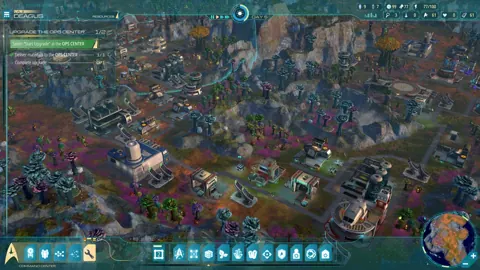 Star Trek Outposts Unknown Download: PC Launch GuideGet your Star Trek Outposts Unknown download on Steam. Check the PC release date, launch price, system requirements, and tips for your research outpost.
More in Release
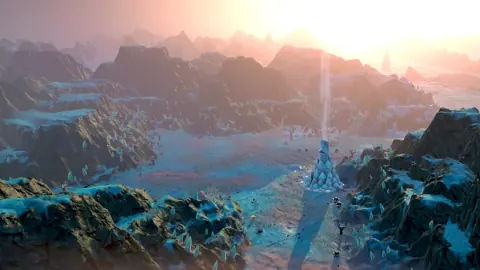
Star Trek Outposts Unknown Demo Removed: What Happened?
Star Trek Outposts Unknown demo removed? Learn why the trial ended, what changed before launch, and how to play the full Steam release on Windows PC today.
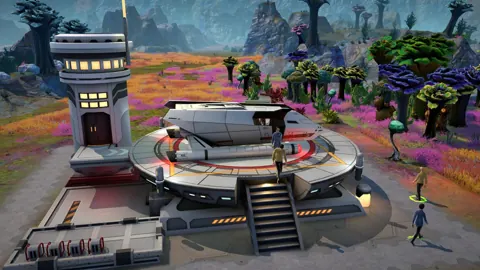
Star Trek Outposts Unknown Price: Cost and Buying Tips
Star Trek Outposts Unknown price is $32.99 USD. Compare launch pricing, explore outpost-building gameplay, and check PC requirements before buying.

Star Trek Outposts Unknown Release Date: Out Now on PC
Star Trek Outposts Unknown release date was October 20, 2026. Explore PC launch details, the $32.99 price, Mac plans, and tips for your first outpost.
Star Trek Outposts Unknown Trailer: Launch & Gameplay
Watch the Star Trek Outposts Unknown trailer and explore its story, outpost building, crew management, PC release details, and launch price before playing.
Join the community
Official channels for news, updates and player help: