
Star Trek Outposts Unknown Download: PC Launch Guide
Get your Star Trek Outposts Unknown download on Steam. Check the PC release date, launch price, system requirements, and tips for your research outpost.
Jump to
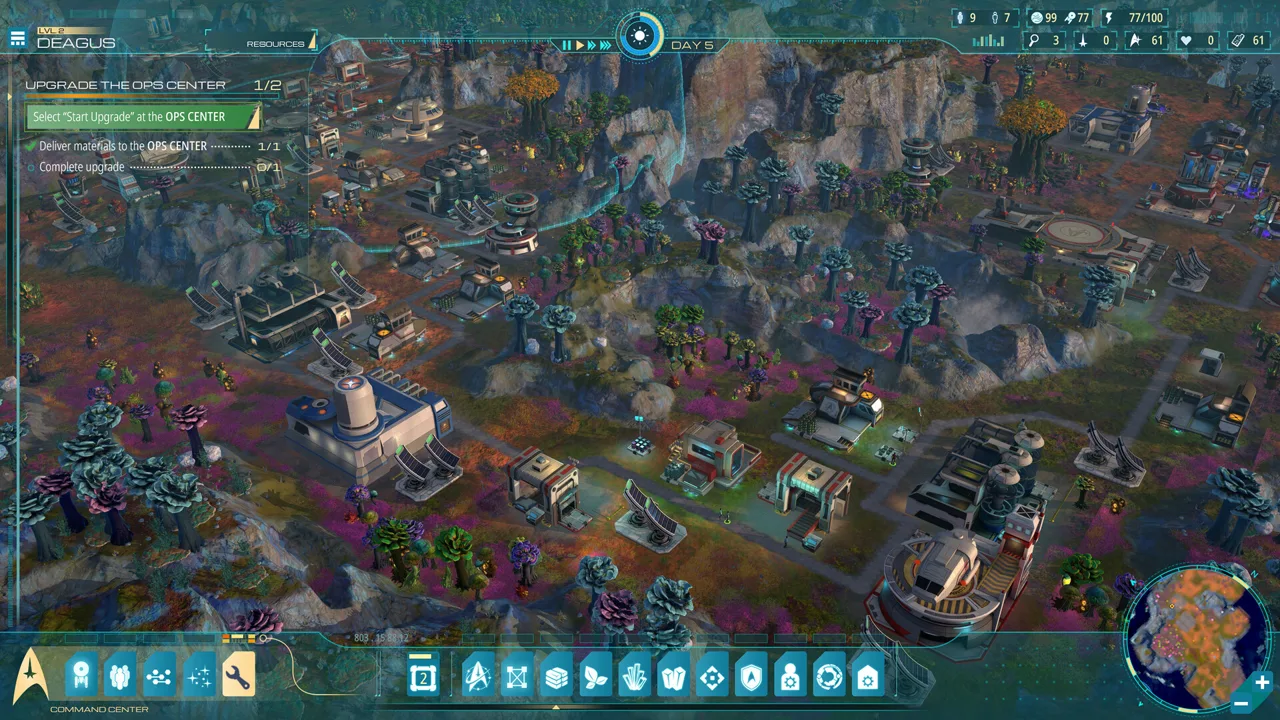
Where to Get the Star Trek Outposts Unknown Download
Your next Starfleet assignment starts on Steam: the Star Trek Outposts Unknown download is available for Windows PC following the game’s October 20, 2026 release. Before taking command, check the hardware requirements and platform support so you can prepare for an expedition built around scientific research, crew management, and planetary logistics. This Star Trek Outposts Unknown download guide covers the official purchase destination, the $32.99 USD launch price, and the essentials for establishing your research outposts.
Developed by Magic Fuel Games and published by Playstack, Star Trek: Outposts Unknown puts you in command of the U.S.S. Resonant. Your mission takes you into the X’Lehari System, where a dangerous cosmic phenomenon threatens a civilization that needs your help.
Here are the launch details:
| Detail | Information |
|---|---|
| Release date | October 20, 2026 |
| Launch platform | Windows PC through Steam |
| Launch price | $32.99 USD |
| Developer | Magic Fuel Games |
| Publisher | Playstack |
| Game type | Single-player strategy and simulation |
| Required storage space | 10 GB |
| Mac release | Support planned for a future patch |
Head to the official Star Trek: Outposts Unknown Steam page to purchase and download the Windows version. Check the price displayed for your region before completing your purchase; $32.99 USD is the announced launch price.
For your Star Trek Outposts Unknown download, start with these preparation steps:
- Open the official Steam page linked above.
- Compare your PC with the minimum and recommended specifications below.
- Make room for the required 10 GB of available storage.
- Purchase the game through Steam and download it through your Steam account.
The 10 GB figure describes required available storage. Keep that distinction in mind when planning disk space or estimating how much data the installation will transfer.
PC Requirements to Check Before Downloading
The minimum configuration calls for 16 GB of RAM, a 64-bit processor and operating system, and Windows 10 version 21H1. Check memory alongside your graphics card and processor before committing to the download.
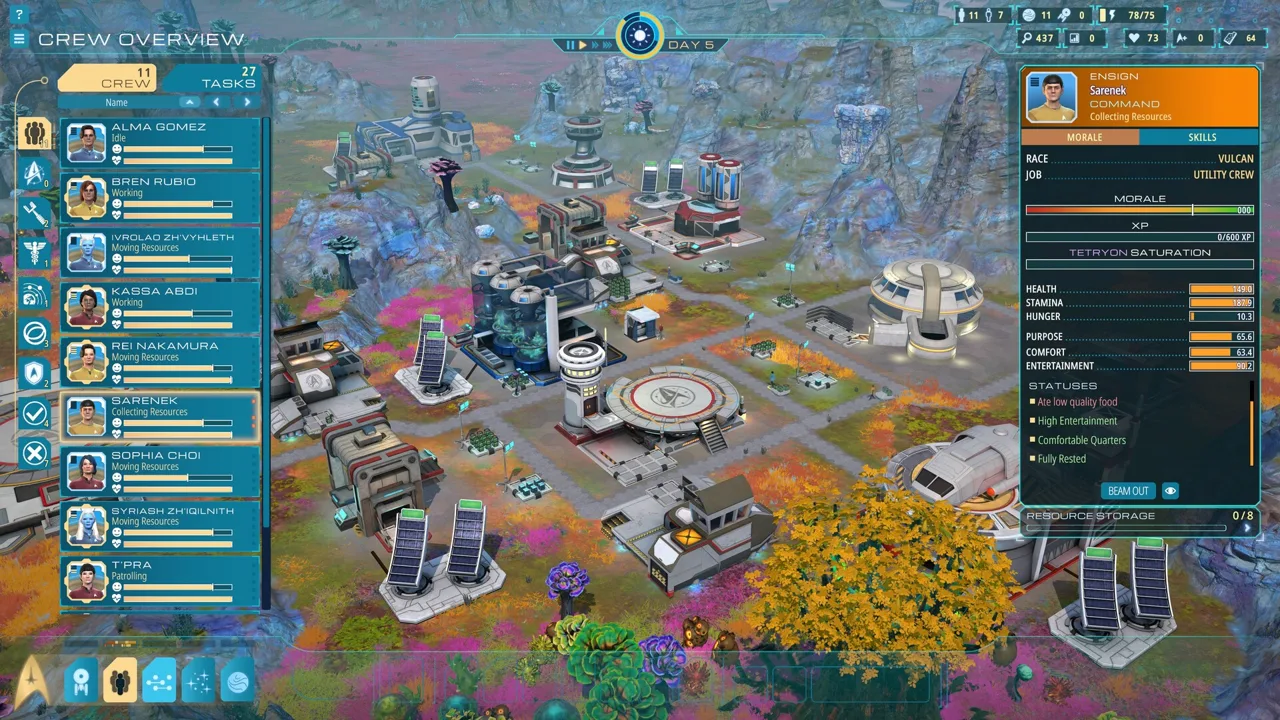 Image: Steam / Magic Fuel Games
The minimum and recommended configurations share the same RAM and storage requirements, but their processor and graphics targets differ substantially.
| Component | Minimum | Recommended |
|---|---|---|
| Processor | AMD Ryzen 5 2600 or Intel Core i5-8500 | AMD Ryzen 7 7800X3D or Intel Core i5-14600K |
| Memory | 16 GB RAM | 16 GB RAM |
| Graphics | NVIDIA GTX 1660 or AMD Radeon RX 5600 XT | NVIDIA GeForce RTX 3060 or AMD Radeon RX 5700 XT |
| Available storage | 10 GB | 10 GB |
| Architecture | 64-bit processor and operating system | 64-bit processor and operating system |
The minimum hardware target is intended for play at reduced visual fidelity. Compare against the recommended configuration if you want the higher visual target described for launch.
Before starting your Star Trek Outposts Unknown download, check the exact model names of your components. “Core i5” and “Ryzen 5” cover many processors across different generations; use the full model numbers when comparing your machine.
Keep these checks practical:
- Check installed RAM: Both hardware targets require 16 GB.
- Check the graphics model: Compare your GPU against the named cards.
- Check the installation drive: Reserve the required available space on the drive you intend to use.
- Check your Windows version: The minimum operating system requirement is Windows 10 version 21H1.
Plan around reduced visuals if your machine sits near the minimum specification. Avoid choosing settings based solely on how demanding the opening scene looks; the game’s logistics involve production buildings, resource transport, and crews working across planetary outposts.
Full Game, Earlier Demo, and Platform Support
The October 20 release is the full game. Earlier announcements about trying a demo belong to the prelaunch period, when players could experience the opening portion of the expedition.
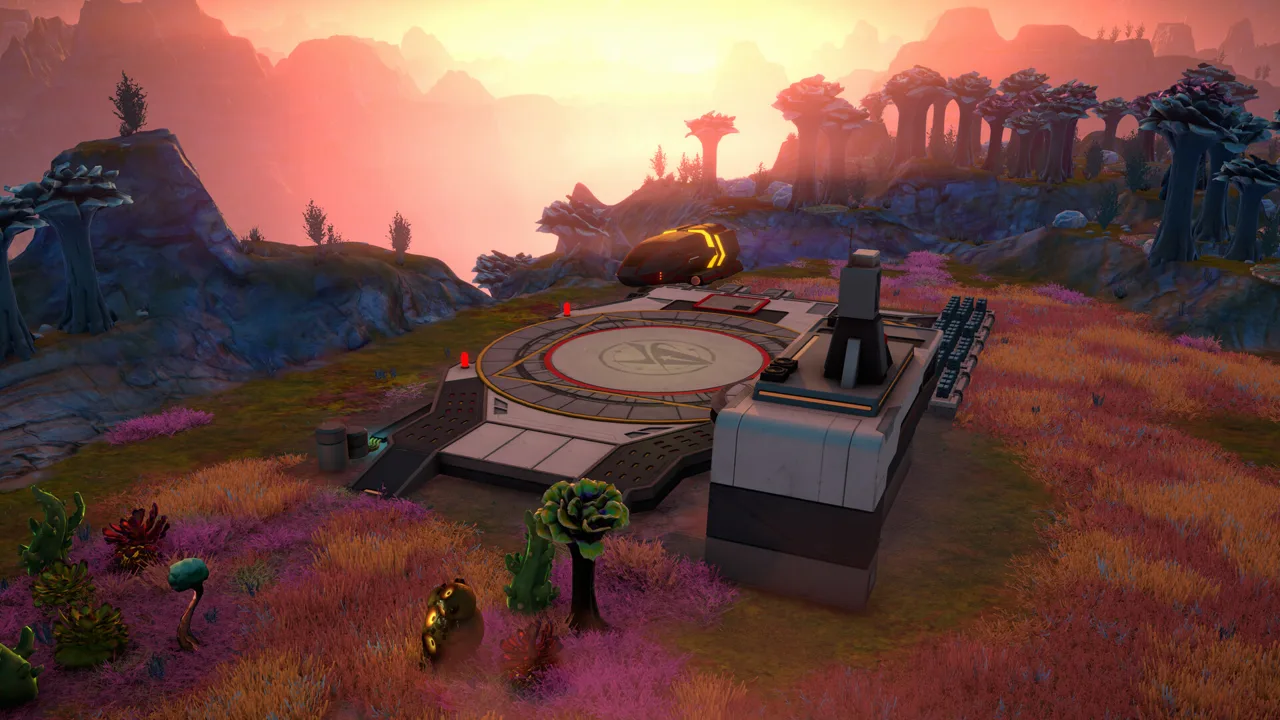 Image: Steam / Magic Fuel Games
That earlier demo offered approximately three hours of narrative gameplay. It introduced Daegus, initial crew selection, scientific development, and the resource chains supporting your first outpost. Those three hours describe the demo’s scope, rather than the length of the full campaign.
If you played that version, revisit crew scheduling and outpost support when returning. Development updates added night shifts, planetary accommodations, vehicles, and direct crew actions, expanding how you manage work and respond to emergencies.
The Star Trek Outposts Unknown download available at launch is for Windows PC through Steam. Mac support is planned for a future patch. If you intend to play on a Mac, wait for that platform update before planning a native installation.
Steam features include achievements, Steam Cloud, and Family Sharing. The game is single-player, with your attention divided between the expedition’s story, your officers, and the facilities supporting their work.
Eight languages are supported: English, French, German, Spanish for Spain, Latin American Spanish, Polish, Brazilian Portuguese, and Simplified Chinese. English includes full audio support.
What Awaits After Installation
Once your Star Trek Outposts Unknown download is complete, the expedition centers on constructing research facilities and keeping them supplied while investigating the Tetryon Rift.
 Image: Steam / Magic Fuel Games
The story takes place in the 23rd century, during the era depicted in Star Trek: Strange New Worlds. You lead the U.S.S. Resonant through the X’Lehari System, exploring unfamiliar environments and helping a civilization facing catastrophe.
Your ship supports operations on the surface while you develop more independent research stations. Planetary housing, food production, medical facilities, and other services let outposts continue their work as the Resonant travels elsewhere.
Three Planets With Different Problems
Daegus, Kourou, and Neral each contain three distinct biomes. Their landscapes affect the resources and hazards you must account for when developing an outpost.
| Planet | Environments and challenges |
|---|---|
| Daegus | A temperate oasis, rocky desert, and crystal formations |
| Kourou | Moving glaciers, volcanic badlands, and steam fields |
| Neral | Three distinct biomes and the game’s most hostile environment |
Kourou makes the relationship between exploration and logistics especially clear. Its glaciers conceal resources, volcanic regions introduce dangerous terrain, and its steam fields contain the planet’s only source of organic material.
Plan production around those local conditions. Use resource transfers between planets to address shortages instead of assuming each outpost can produce everything it needs nearby.
Production Chains Support the Mission
At launch, the expedition involves 55 unique resources, including Polyalloy, Duranium, Dutronic Chips, and Memory Banks. Materials move through research, harvesting, refining, manufacturing, and transportation before supporting your scientific work.
Buildings also depend on services such as water, power, and computing capacity. Pipes and conduits occupy space, making infrastructure part of your layout decisions from the beginning.
Leave room for those connections when placing facilities. Follow a production chain through its inputs, utilities, and transport needs before expanding it.
Ecology also matters. Biological specimens contain seeds that allow replanting and regrowth, giving your expedition a way to restore what it harvests.
Prepare Your First Outposts for the Long Run
Downloading gets you to the captain’s chair. Keeping the expedition running means balancing construction, research, and the people carrying out your orders.
Use these priorities as you establish your operations.
1. Match Officers to Their Roles
Crew members have specialized responsibilities. Assign work with those roles in mind, and use direct actions when an emergency needs attention ahead of the regular queue.
| Crew role | Relevant responsibility |
|---|---|
| Science | Investigating unfamiliar objects and resources |
| Engineering | Maintaining buildings |
| Medical | Treating injured crew |
| Security | Responding to threats |
Develop your officers as the mission progresses. When additional personnel arrive, examine their competencies and account for the supplies needed to support them.
More crew also means more demand for accommodation, food, and medical care. Expand those services alongside your workforce.
2. Prepare an Outpost Before Moving the Ship
Before sending the Resonant to another destination, check the facilities that support personnel remaining on the surface.
Review these essentials:
- Housing for the planetary crew
- Food inputs for the mess hall
- Medical facilities
- Production resources and storage
- Water, energy, and computing infrastructure
Mess halls require food proteins to synthesize meals. Check their supply alongside the building itself; a completed facility still needs its inputs.
3. Use Shifts and Transportation Deliberately
Day and night shifts let you choose when crew members work. Review those assignments alongside your outpost’s living facilities so your schedule supports the workforce you have on the planet.
Ground and air vehicles help with surface exploration and moving resources between facilities. Landing pads also matter because Tetryon activity interferes with transport technology.
Keep travel demands in mind when placing related production buildings. Use the available transportation options as your facilities spread across a planet.
4. Budget for Radiation Protection
The Tetryon Rift threatens both personnel and infrastructure. Shield Emitters protect areas against Tetryon radiation, but they require rare processed materials.
Check protection coverage before expanding into another area. Reserve the materials needed for shielding alongside the resources required for new production buildings.
5. Check Inputs Before Adding Capacity
When production stalls, inspect the chain feeding the building. Check its required materials, utilities, storage, and deliveries before constructing another facility.
Use resource tooltips to identify where materials are found or produced. With dozens of resources in circulation, those details help connect a shortage to the operation that supplies it.
Once your Star Trek Outposts Unknown download finishes, carry that habit into each new world: inspect the crew’s needs, trace the supply chain, and prepare the outpost before moving the expedition forward.
FAQ
Where can I get the Star Trek Outposts Unknown download?
Purchase and download the Windows PC version through the official Star Trek: Outposts Unknown Steam page. The game launched on October 20, 2026, at an announced price of $32.99 USD.
How much storage does the game require?
Both the minimum and recommended PC configurations require 10 GB of available storage. Both also call for 16 GB of RAM and a 64-bit processor and operating system.
Is Star Trek: Outposts Unknown available on Mac?
Mac support is planned for a future patch. The October 20, 2026 launch version is available for Windows PC through Steam.
What kind of game is Star Trek: Outposts Unknown?
It is a single-player, narrative-driven outpost builder combining strategy, simulation, exploration, and crew management. You command the U.S.S. Resonant, establish planetary research facilities, and investigate the Tetryon Rift while managing the supplies and services your expedition needs.
Continue with
 Star Trek Outposts Unknown Price: Cost and Buying TipsStar Trek Outposts Unknown price is $32.99 USD. Compare launch pricing, explore outpost-building gameplay, and check PC requirements before buying.
More in Release
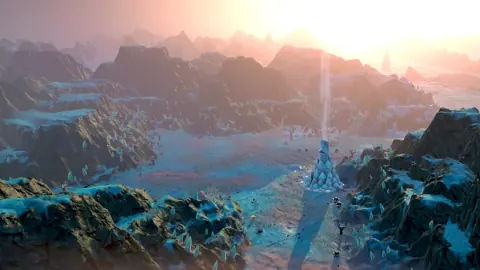
Star Trek Outposts Unknown Demo Removed: What Happened?
Star Trek Outposts Unknown demo removed? Learn why the trial ended, what changed before launch, and how to play the full Steam release on Windows PC today.
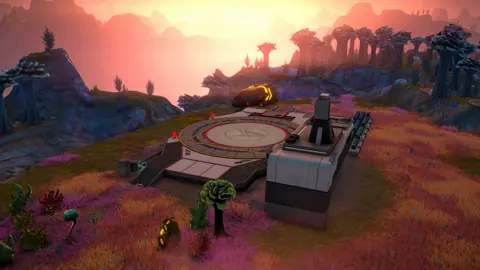
Star Trek Outposts Unknown Demo: Content & PC Guide
Explore the Star Trek Outposts Unknown demo, its three-hour opening, crew roles, resource tips, and PC requirements before starting your Starfleet mission.
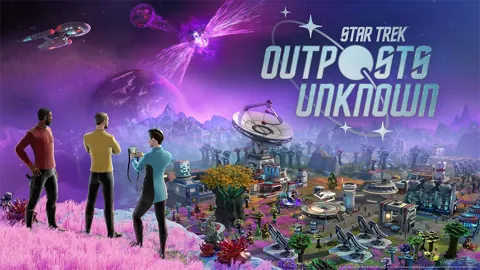
Star Trek Outposts Unknown Release Date: Out Now on PC
Star Trek Outposts Unknown release date was October 20, 2026. Explore PC launch details, the $32.99 price, Mac plans, and tips for your first outpost.
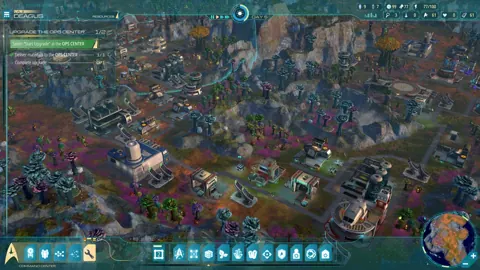
Star Trek Outposts Unknown Trailer: Launch & Gameplay
Watch the Star Trek Outposts Unknown trailer and explore its story, outpost building, crew management, PC release details, and launch price before playing.
Join the community
Official channels for news, updates and player help: