
Star Trek Outposts Unknown Discord: Join and Get Help
Join the Star Trek Outposts Unknown Discord community, find the launch invite, share bug reports, and get help with crew shifts, power, and supply chains.
Jump to
How to Join the Star Trek Outposts Unknown Discord
Need the Star Trek Outposts Unknown Discord when your research outpost stops running smoothly? The launch announcement includes invitation code 5bB5Rwk9pu, giving you a direct starting point for gameplay questions and feedback. The Star Trek Outposts Unknown Discord also gives you somewhere to discuss the logistical problems that become harder to untangle as your crew, buildings, and resource chains expand.
Playstack and Magic Fuel Games invited players to reach out through Discord when Star Trek: Outposts Unknown launched on October 20, 2026. Start with that launch invitation when joining the community.
| Community detail | What you need |
|---|---|
| Launch invitation code | 5bB5Rwk9pu |
| Announcement containing the invitation | “Star Trek: Outposts Unknown Is Out Now!” |
| Developer | Magic Fuel Games |
| Publisher | Playstack |
| Launch platform | Windows PC through Steam |
You can also open the Star Trek: Outposts Unknown Steam page and look for the launch announcement in the game’s news. Use the Discord invitation included there.
Earlier announcements used different invitation codes. Keep the launch announcement as your starting point instead of cycling through older invitations from the demo period.
Once you arrive, read the community rules and use the relevant area for your question. The developers direct bug reports and suggestions to their respective discussion areas. Separate a request for gameplay help from a feature suggestion so other players can understand what you need.
Introduce the problem with a useful detail: your current objective, the building involved, or the resource holding up production. “My security office lacks power” gives people more to work with than “My outpost is broken.”
What to Use the Community For
The Star Trek Outposts Unknown Discord is a practical destination for questions about construction, crew management, exploration, and resource logistics. Those systems overlap constantly: a building can have its construction materials available while the crew responsible for hauling them is occupied elsewhere.
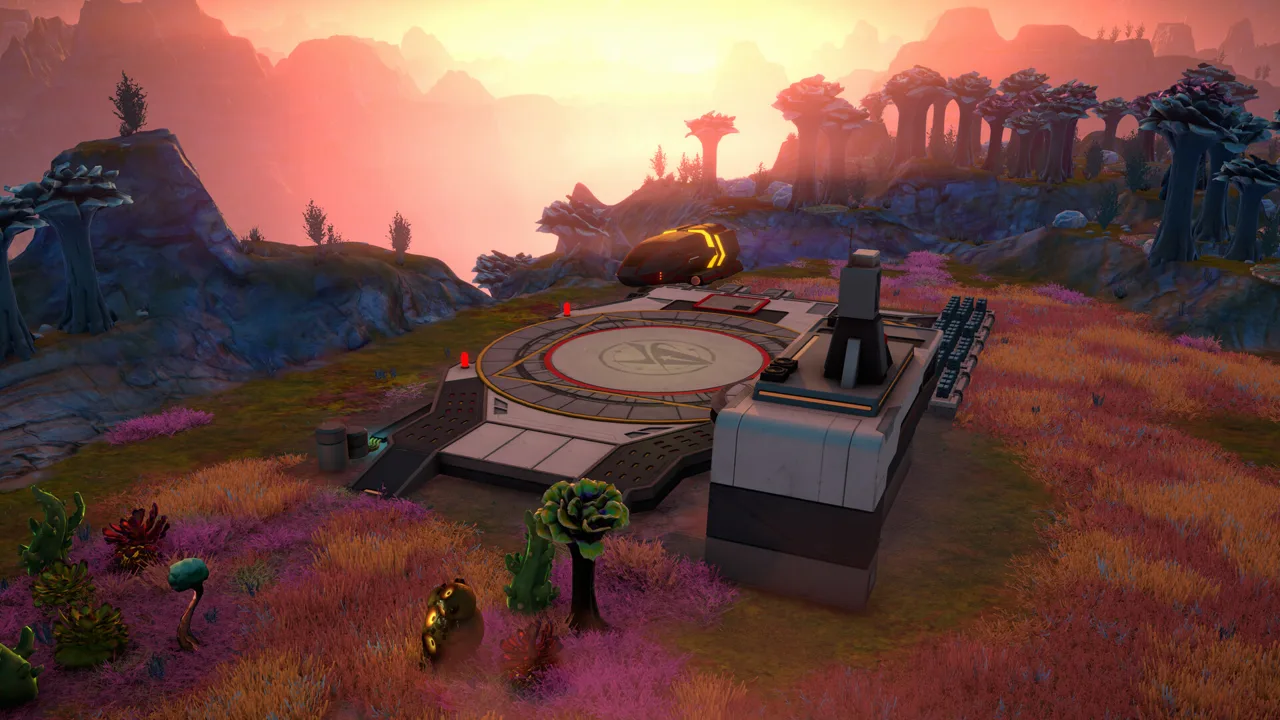 Image: Steam / Magic Fuel Games
Keep each discussion focused on one problem. If you need help understanding a mechanic, describe what you are trying to accomplish. If an action produces an error or repeatedly fails, organize the details as a bug report.
| Your goal | What to include |
|---|---|
| Understand a building problem | Building name, displayed warning, and connected infrastructure |
| Discuss crew assignments | Crew roles, current tasks, and shift arrangements |
| Untangle a resource shortage | Required resource, production buildings, and transport setup |
| Report a technical issue | What happened, what you expected, and reproduction steps |
| Suggest an improvement | The current friction and the change you want |
Use the community for specific questions rather than asking someone to diagnose your entire settlement at once. Start with the first blocked process, then follow its dependencies backward.
For example, a stalled production chain needs a different conversation from a power shortage. Name the missing input before discussing your overall layout. With 55 unique resources to manage, “I have plenty of materials” leaves too much room for confusion.
The game is single-player, so community participation centers on sharing knowledge, discussing outposts, and providing feedback. You can compare approaches to the same logistical challenge without needing to coordinate a multiplayer session.
Keep story discussions clearly labeled. The expedition involves the X’Lehari System and the Tetryon Rift, and players arriving for construction help do not necessarily want later discoveries revealed.
Get Useful Help With Power, Crew, and Supplies
Before posting in the Star Trek Outposts Unknown Discord, narrow the issue to a system you can describe clearly. You do not need an elaborate technical explanation; a building name, a warning message, and a screenshot of its surroundings can establish the problem.
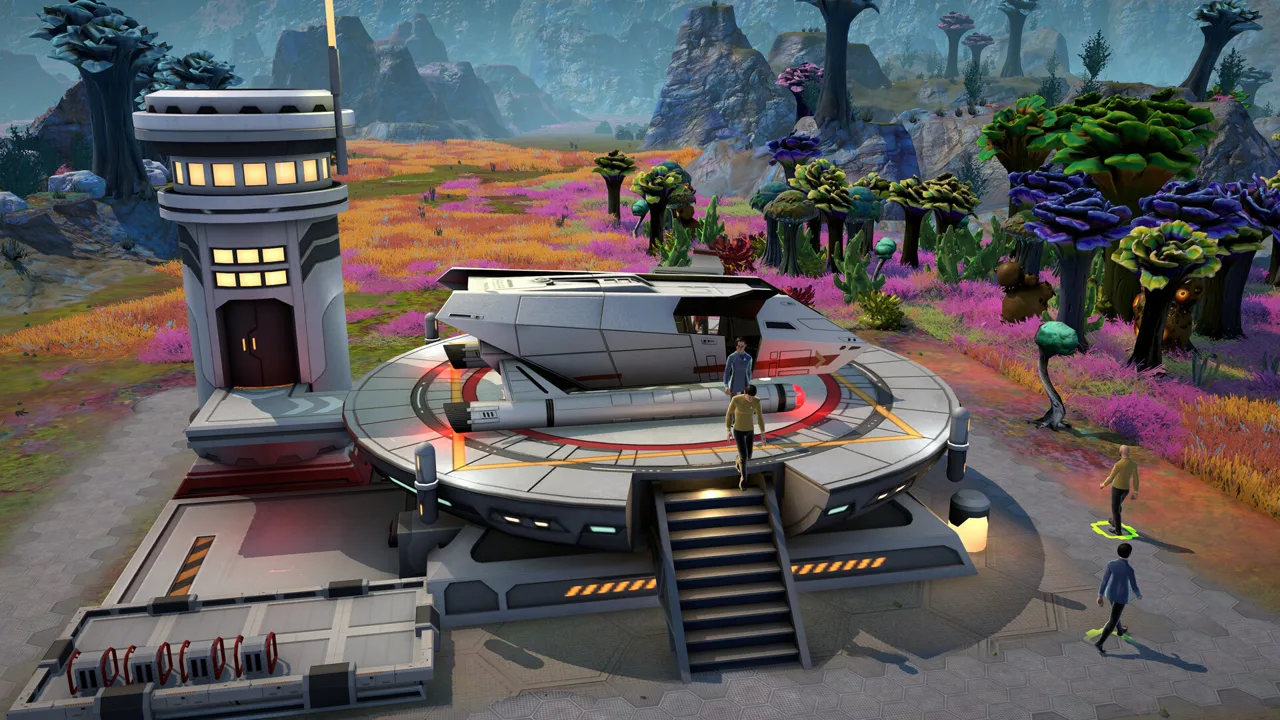 Image: Steam / Magic Fuel Games
Check infrastructure before expanding
Buildings require more than construction materials. Water, power, and compute all affect outpost design, while pipes and conduits occupy space between structures.
Inspect the building’s warning, its supply connections, and the capacity supporting it. Include those details when asking for help. A screenshot showing only the building leaves out the infrastructure another player needs to understand.
Power generation also has limits. Connecting additional structures creates demand, so check capacity alongside connectivity.
Explain who is doing the work
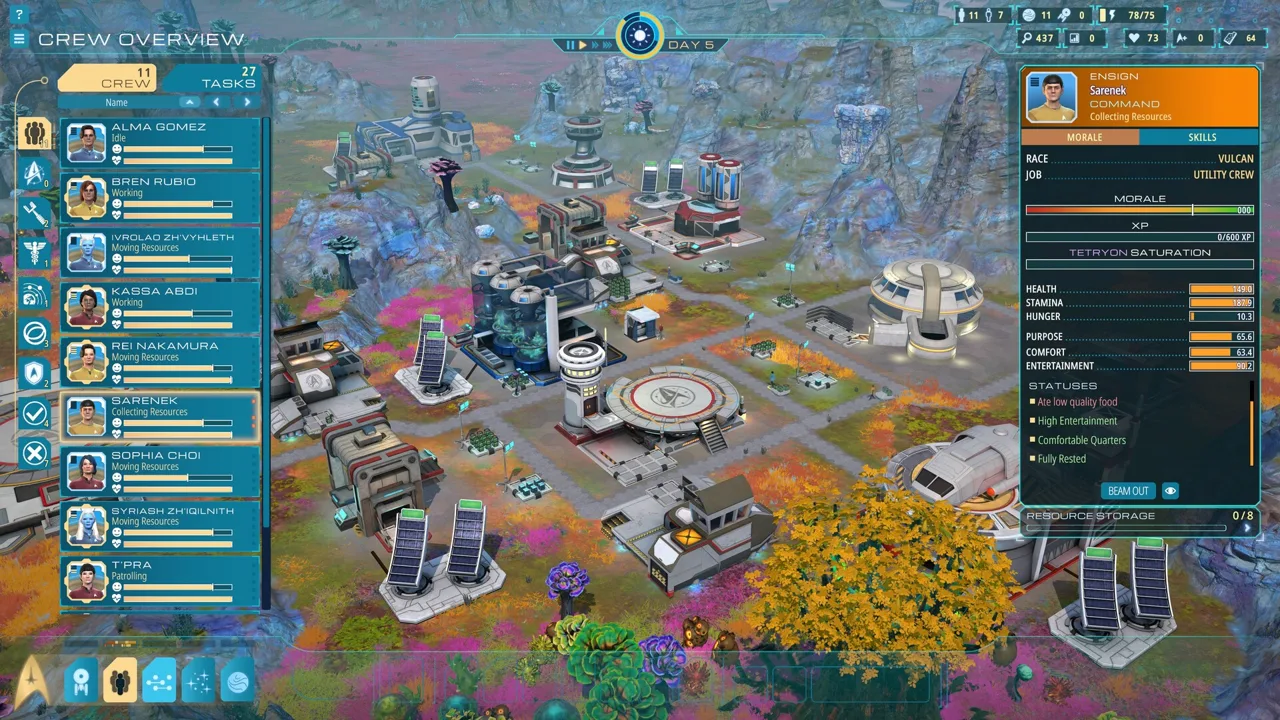
Crew management includes task assignments, officer specialties, and day and night shifts. An engineer handling an emergency is solving a different problem from utility crew moving construction materials.
Describe the work you assigned and what the crew actually does. Include whether the issue happens during a particular shift.
Direct field commands let engineers maintain buildings, medical personnel treat injured crew, and security respond to threats. These actions bypass the regular work queue. Check those options when an immediate problem needs attention.
Trace supplies from production to destination
Resources must be researched, harvested, refined, combined, transported, and used. A shortage at the final building can begin several steps earlier.
When asking for logistics help, identify:
- The resource the destination needs.
- Where that resource is produced or collected.
- Whether it is available in storage.
- Which crew or transport arrangements serve the area.
- Any warning displayed by the affected building.
Later outposts also depend on resource transfers between planets. Explain which planet supplies the material and which destination needs it.
Make your Star Trek Outposts Unknown Discord question easy to answer by ending with one concrete request: “What should I check in this power connection?” or “Which part of this production chain is missing an input?”
Write Bug Reports and Suggestions That Explain the Problem
The developers welcome bugs and suggestions through Discord. Give each report enough detail to distinguish a repeatable fault from a missing resource, an occupied crew member, or an infrastructure problem.
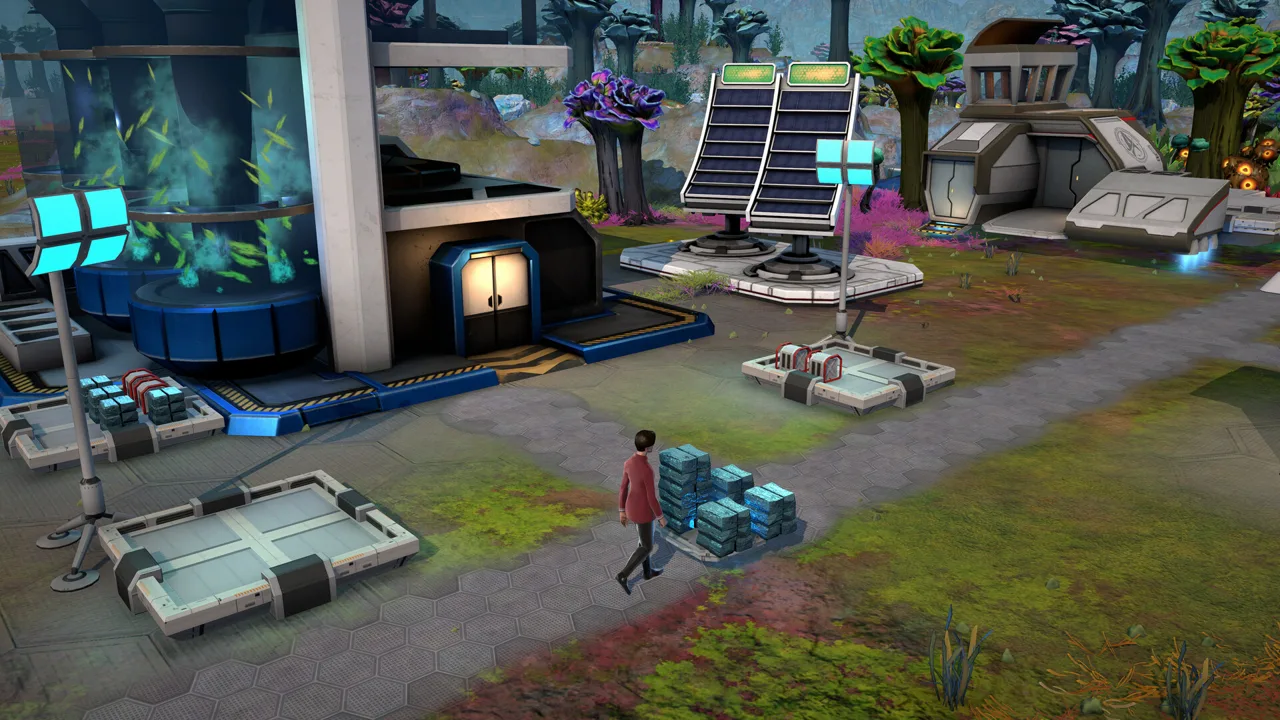 Image: Steam / Magic Fuel Games
Start with a descriptive title. “Construction remains unfinished despite stored basic metals” identifies a situation. “Please fix everything” gives nobody a useful starting point.
| Report element | What to write |
|---|---|
| Summary | Name the affected building, objective, or interface action |
| Game version | Include the version you are playing |
| Platform and input | State your operating system and whether you use mouse, keyboard, or controller |
| Reproduction steps | Describe the actions leading to the issue |
| Expected result | Explain what you expected the game to do |
| Actual result | Describe the behavior or error you encountered |
| Supporting detail | Add a relevant screenshot and the visible warning text |
Keep observations separate from explanations. Write “the crew member stands beside the construction site while the task remains unfinished” before deciding that pathfinding or task priority caused it.
For controller issues, describe the exact selection you cannot make. Include whether switching input methods changes the behavior. For localization problems, name the language and reproduce the missing or incorrect text.
The Star Trek Outposts Unknown Discord can also carry detailed design feedback. Focus suggestions on an action you perform and the friction it creates. For example, explain which repeated interaction interrupts your building work before proposing a change to notifications.
Feedback has already influenced crew shifts, outpost facilities, resource handling, and direct crew commands. That makes concrete examples more useful than broad requests to make the game faster or deeper.
Before submitting, check whether a relevant discussion already exists. Add your own reproduction details when they contribute something new.
Keep criticism direct and respectful. Explain how a problem affects your session, then describe the result you want. You can dislike the pacing or interface without turning the report into an argument about other players’ preferences.
Follow Updates Without Mixing Demo and Launch Advice
The Star Trek Outposts Unknown Discord is especially useful when you need help separating older demo guidance from the launch game. Development changed several systems that affect everyday outpost management.
Nighttime is a clear example. Earlier demo play centered on daytime work and returning crew to the ship. Subsequent development introduced night shifts and expanded the facilities needed for more independent outposts.
| System | Development change to keep in mind |
|---|---|
| Day and night staffing | Night shifts were introduced, with later improvements to shift management |
| Outpost facilities | Crew quarters, dining, medical care, and entertainment support self-sufficient settlements |
| Emergency response | Direct crew actions bypass the regular work queue |
| Exploration and transport | Ground and air vehicles help with travel and resource movement |
| Resource information | Hover tooltips explain where resources can be found or produced |
| Night exploration | Additional points of interest appear at night |
Check the version behind advice before rebuilding your plans around it. If an older explanation says there is nothing to do at night, look at your current shift management and available objectives.
The same care applies to platform discussions. At the October 20 launch, the game was available for Windows PC through Steam, with Mac support planned for a later patch. Keep platform questions specific instead of assuming an announcement applies to every operating system.
Connect update discussions to your own outpost. If a change concerns storage organization, examine the materials your production buildings need. If it concerns shifts, review who is working and which facilities support them.
Use the Star Trek Outposts Unknown Discord to ask focused follow-up questions, then return to your settlement with something concrete to inspect. A useful discussion should help you understand the next blocked task, improve a layout, or explain a problem clearly enough for the team to investigate.
FAQ
What is the Star Trek Outposts Unknown Discord invite?
The launch announcement includes invitation code 5bB5Rwk9pu. You can also reach that invitation through “Star Trek: Outposts Unknown Is Out Now!” in the game’s Steam news.
Can I submit bugs and suggestions through Discord?
Yes. Use the relevant bug-reporting or suggestions area. Include your game version, platform, reproduction steps, and the difference between the expected and actual result.
Is Discord required to play Star Trek: Outposts Unknown?
The game is single-player. Discord serves as a community destination for discussion, gameplay questions, and feedback.
Does the launch game support night shifts?
Yes. Night shifts were introduced during development, followed by improvements to how shifts are managed and tracked. Nighttime also includes additional points of interest to discover.
Continue with
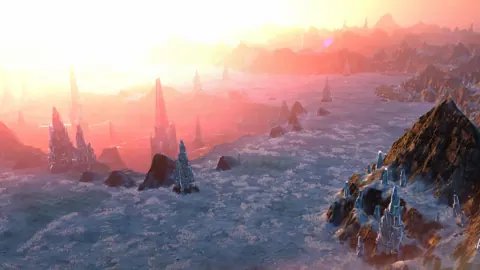 Star Trek: Outposts Unknown Reddit: Community GuideStar Trek Outposts Unknown reddit guide: find r/STOutposts, see developer AMA topics, and get practical tips for crew, resources, and outpost logistics.
More in Community
See all CommunityQuick access
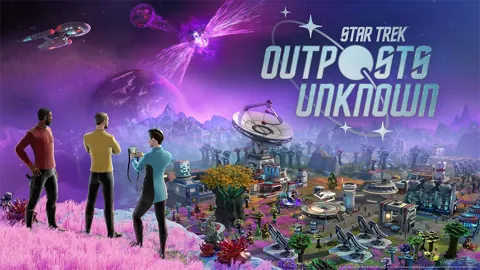
Star Trek Outposts Unknown Release Date: Out Now on PC
Star Trek Outposts Unknown release date was October 20, 2026. Explore PC launch details, the $32.99 price, Mac plans, and tips for your first outpost.
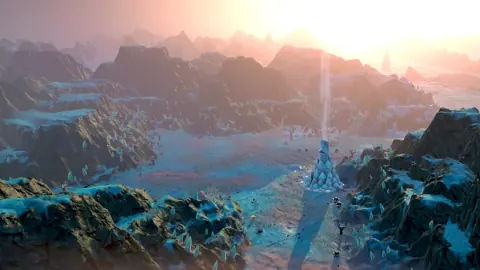
Star Trek Outposts Unknown Demo Removed: What Happened?
Star Trek Outposts Unknown demo removed? Learn why the trial ended, what changed before launch, and how to play the full Steam release on Windows PC today.
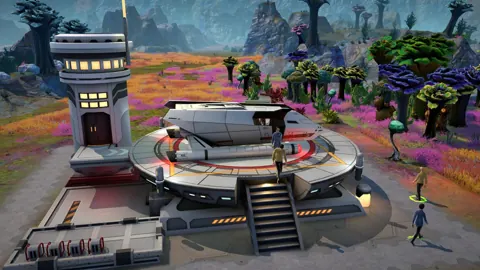
Star Trek Outposts Unknown Guide: Build and Survive
Use this Star Trek Outposts Unknown guide to manage crew, fix resource bottlenecks, protect your outposts, and prepare for planets in the X’Lehari System.
Star Trek Outposts Unknown Building Tree Explained
Use the Star Trek Outposts Unknown building tree, plan resource chains, manage power and shielding, and prepare your outposts for life without the ship.
Join the community
Official channels for news, updates and player help: